
Soft neutral tones and stylish decor create an inviting home office, ideal for virtual meetings and professional video calls. Perfectly composed for camera.
More Home Offices backgrounds
View all Home Offices →
Cozy Home Office with Modern Design | MeetBackdrops

Modern Home Office with Natural Light | MeetBackdrops

Cozy Home Office with Natural Light | MeetBackdrops

Elegant Home Office Setup with Natural Light | MeetBackdrops

Minimalist Home Office with Natural Light | MeetBackdrops
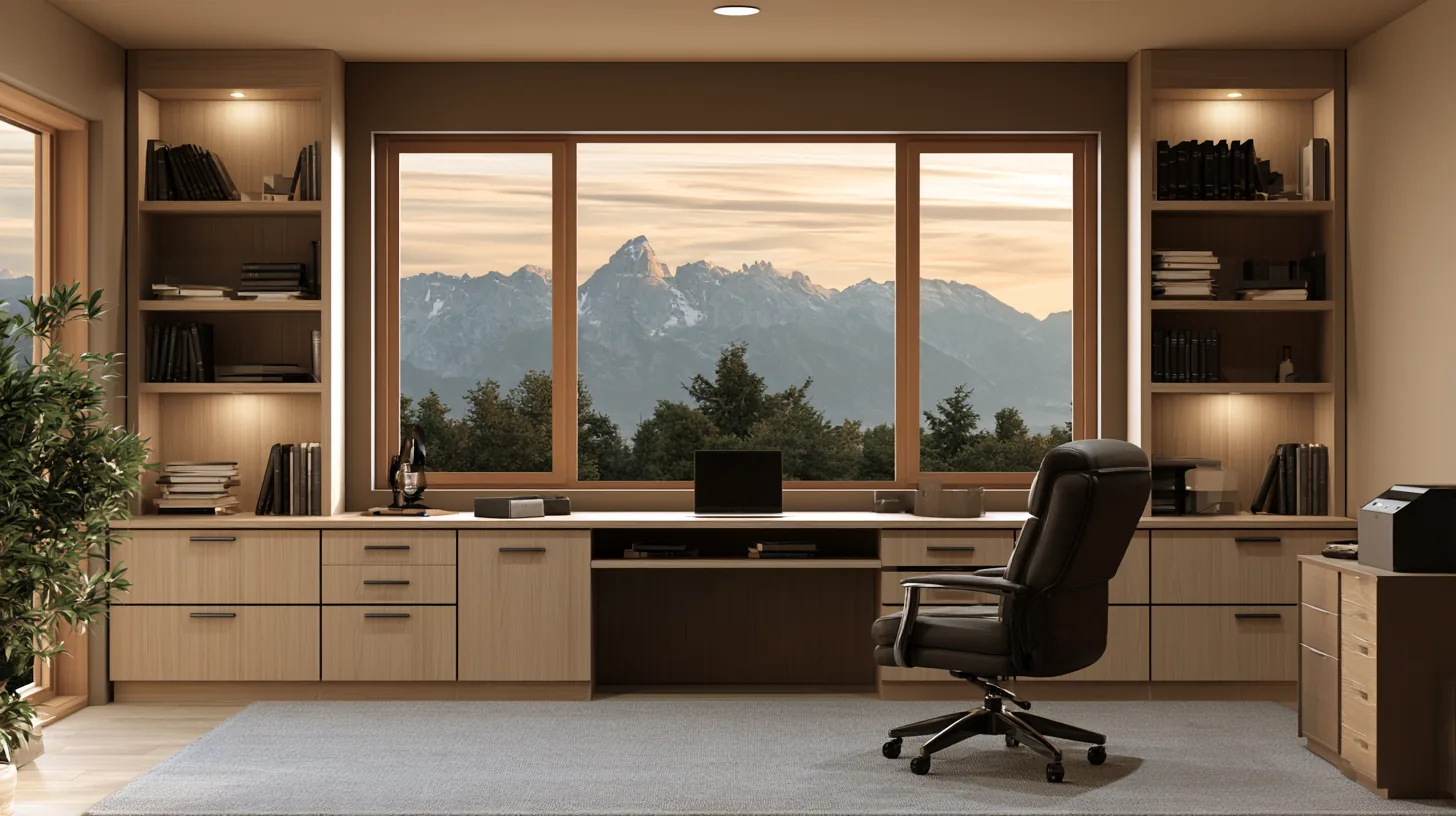
Modern Home Office with Mountain View | MeetBackdrops
About this background
In the frame: A stylish home office featuring a wooden desk, elegant chair, and built-in shelves with books and decor.
A bright, high-key scene with a slightly warm cast, mostly light grey, cream and beige.
Looking your best in front of it
- Navy, charcoal, or a saturated color separates you from the bright wall; white or pale tops tend to blend into it.
- Bright, even light from the front matches this scene; if you sit in shadow, the contrast with the wall gives the composite away.
- Category
- Home Offices
- Light
- natural light
- Main colors
- light grey, cream and beige
- In the scene
- home office, stylish decor, inviting space and desk setup
- Suits
- virtual meetings
💡How to use this on Zoom, Teams, and Google Meet
Free version is 1456 × 816 (1.18 MP — below 1080p). HD is 2912 × 1632 (4.75 MP — covers QHD natively). Crop it, reframe it, or edit it into a recorded video and the free version softens; HD holds detail.
Great for: team meetings · client calls · presentations · remote work — on Zoom, Microsoft Teams, Google Meet, and Webex.