



Professional Zoom backgrounds,
designed as sets.
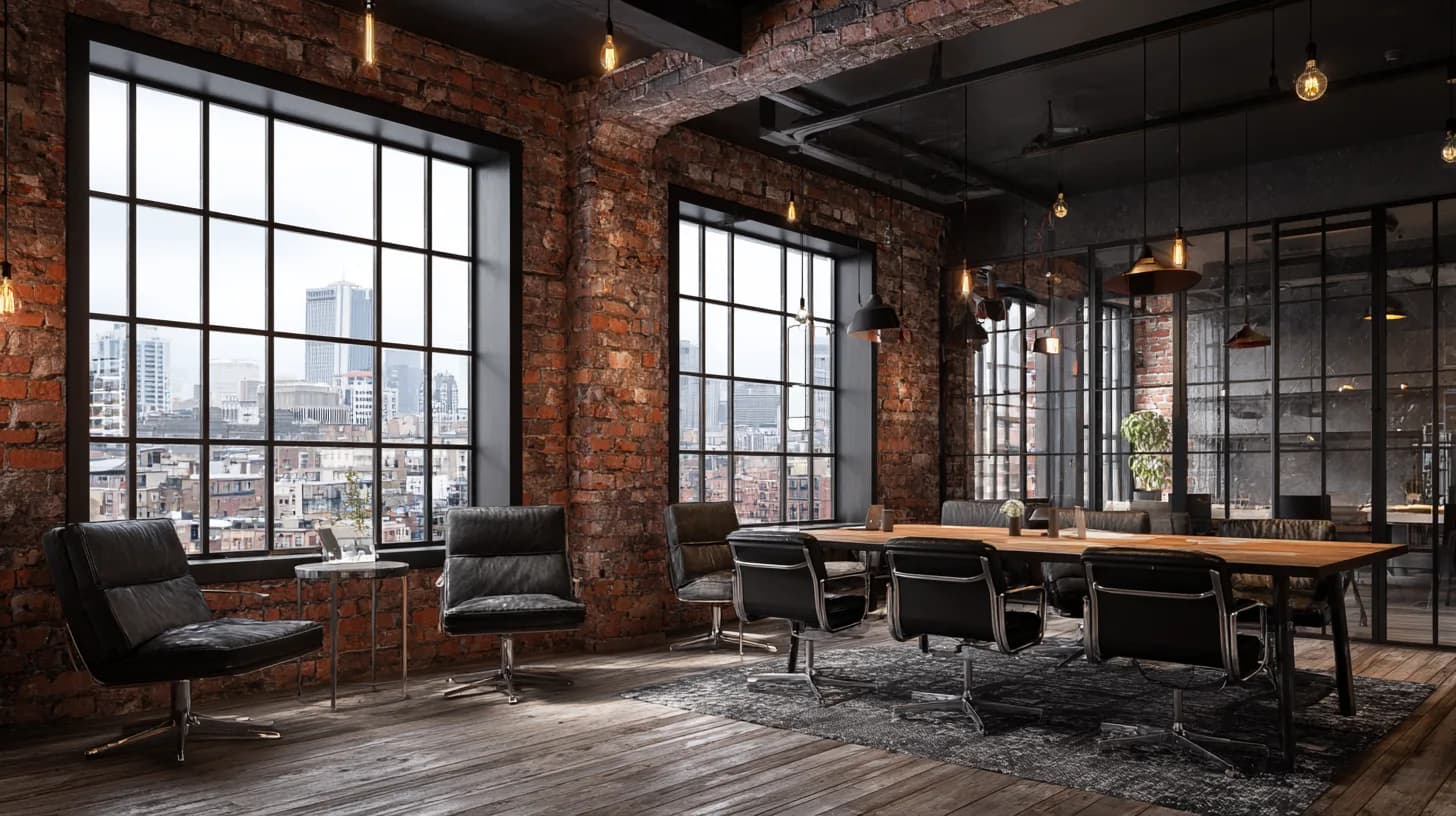
Studio-designed, 4K-upscaled backgrounds for Zoom, Teams, and Google Meet — composed for camera, not pulled from stock.
Free samples — no signup. HD editions from $4.99.




Fireplaces, trees and holiday interiors, designed for camera — ready for year-end calls and team parties.
Engineered Sets, Not Stock Photos
Generic stock libraries shoot once and license forever. We design each background as a 4K set, then compose it to hold up under the compression video calls apply in real time.
See It in Action
Or browse by what you do
Hand-picked sets for how they read on camera in your line of work — designed for Zoom, Teams, and Google Meet.
Choosing a background for professional video calls
Your background is the first thing people see on a call, before you say a word. These four choices matter most, with guides that go deeper on each.
Match the background to the call
A job interview or board update calls for a quiet, uncluttered room: a bookshelf, a neutral wall, a softly lit office. Standups and client check-ins can carry more personality, like a coffee shop, a loft, or a seasonal set. When in doubt, pick the plainer one.
Light yourself to match the scene
The quickest giveaway of a virtual background is lighting that disagrees with it. Face a window or a soft lamp, keep the light in front of you, and choose a background about as bright as your room. A dark library behind a brightly lit face looks pasted on.
Dress for contrast
Clothing that matches the wall makes your outline blend into it. On bright, white-walled sets, navy or charcoal reads cleanly; on dark wood and library sets, lighter tops do. Every background page here lists its main colors and what to wear with it.
Use the right file
Zoom, Teams, and Google Meet all take a 16:9 PNG or JPG. Every background here downloads as a 1456 × 816 PNG. If a background looks soft on a call, the usual cause is compression or camera settings, not the file.