Home Office Virtual Backgrounds
The home office background threads a needle: professional enough for a client, human enough that you still look like a person working from home. These setups pair a real desk-and-shelf sense of place with clean sightlines, so remote and hybrid workers get warmth without the clutter of an actual home office behind them.


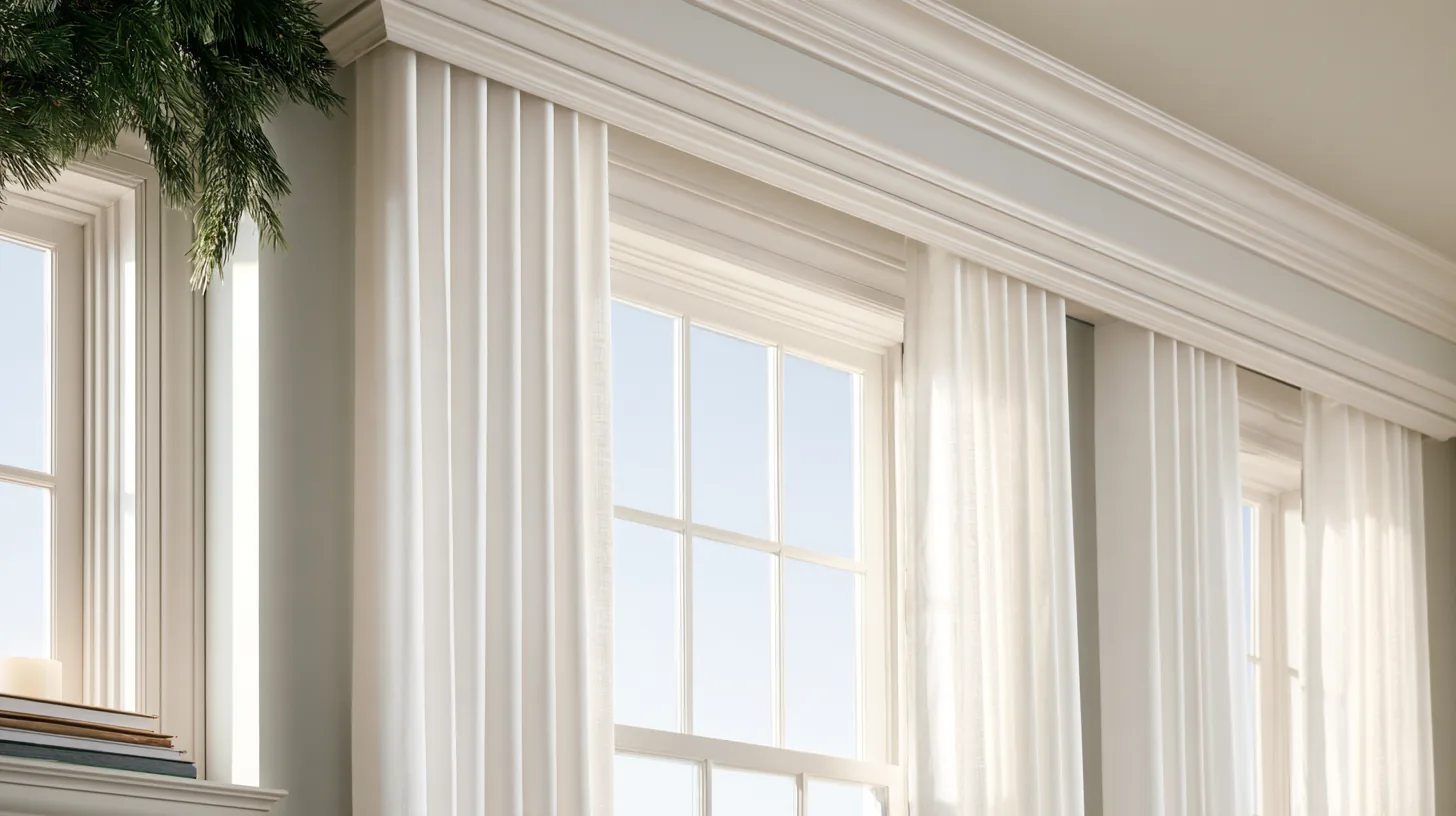


Home Office backgrounds by platform
Step-by-step setup and picks tuned for each video-call app.
These home office backgrounds are drawn from the categories below — browse each in full for every option.
Professionals who use home office backgrounds
Home Office backgrounds — frequently asked
How do I look professional on a work-from-home call?
A home office background threads the needle: it looks like a real, tidy workspace rather than a corporate set, so you come across as professional but human. These pair a genuine desk-and-shelf sense of place with clean sightlines and no clutter.
Are home office backgrounds good for client meetings?
Yes, especially for freelancers, consultants, and hybrid workers where a warm, personal workspace builds rapport. If the client is more formal, the office or executive themes lean more corporate.
Do these hide a messy real room behind me?
That’s exactly what a virtual background is for — it replaces whatever is actually behind you with a clean, composed scene. For the sharpest edges, sit in front of a plain section of wall with even light on your face.