
Soft light illuminates a cozy home office with a neutral palette, perfect for professional video calls in a warm, inviting atmosphere.
More Home Offices backgrounds
View all Home Offices →
Cozy Home Office Setting with Natural Light | MeetBackdrops
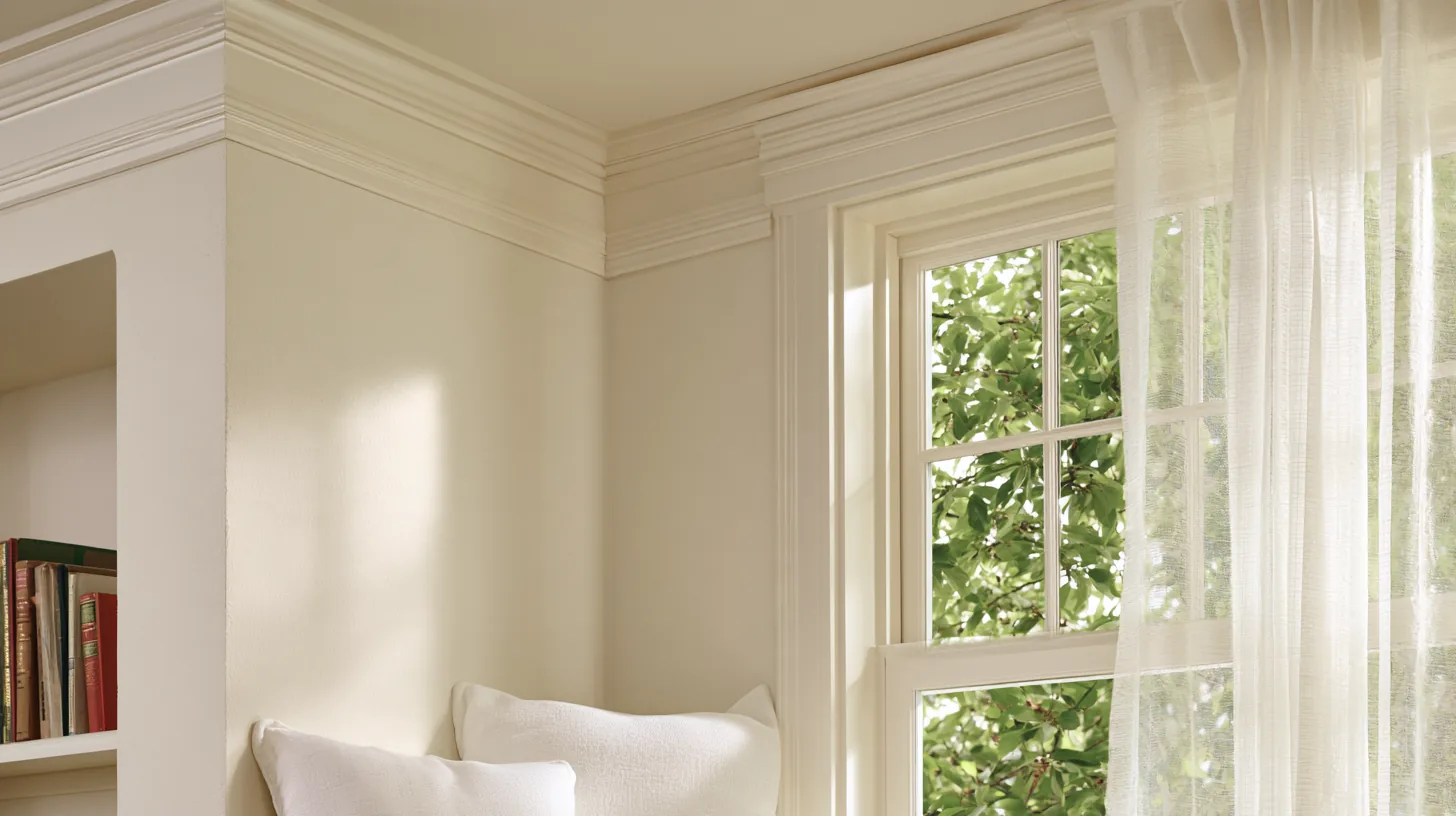
Bright and Inviting Home Office Corner | MeetBackdrops

Cozy Home Office with Scenic View | MeetBackdrops

Cozy Home Office with Natural Light | MeetBackdrops

Bright and Cozy Home Office Setting | MeetBackdrops

Warm-Toned Work-From-Home Executive Study 44 — Zoom & Teams Background | MeetBackdrops
💡How to use this on Zoom, Teams, and Google Meet
Free version is 1456 × 816 (1.18 MP — below 1080p). HD is 2912 × 1632 (4.75 MP — covers QHD natively). Crop it, reframe it, or edit it into a recorded video and the free version softens; HD holds detail.
Great for: team meetings · client calls · presentations · remote work — on Zoom, Microsoft Teams, Google Meet, and Webex.