
Richly colored bookshelves create a sophisticated backdrop, ideal for virtual meetings that require a touch of elegance and professionalism.
More Bookshelves backgrounds
View all Bookshelves →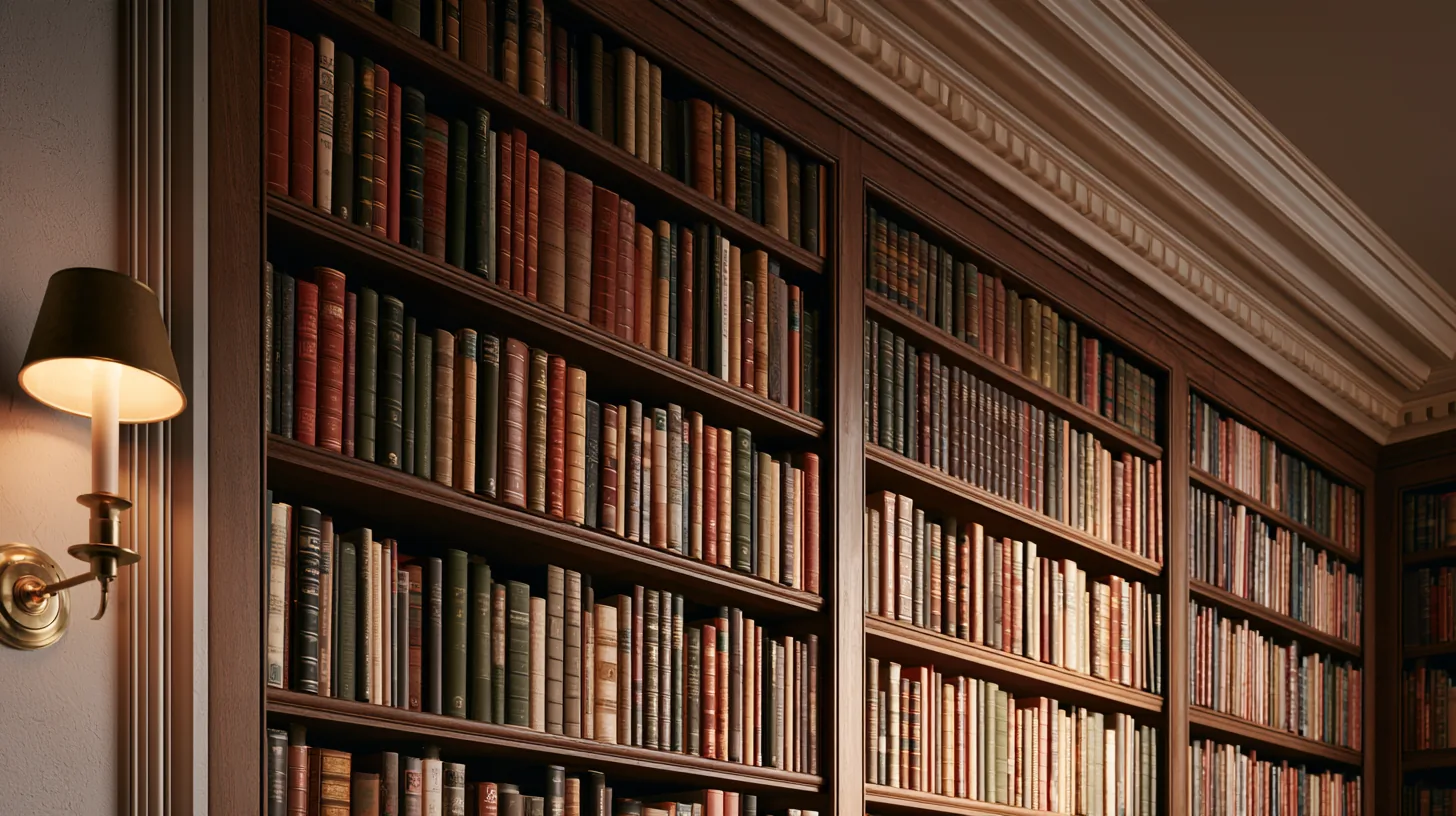
Elegant Bookshelves for Professional Settings | MeetBackdrops

Elegant Green Bookshelves for Professional Settings | MeetBackdrops
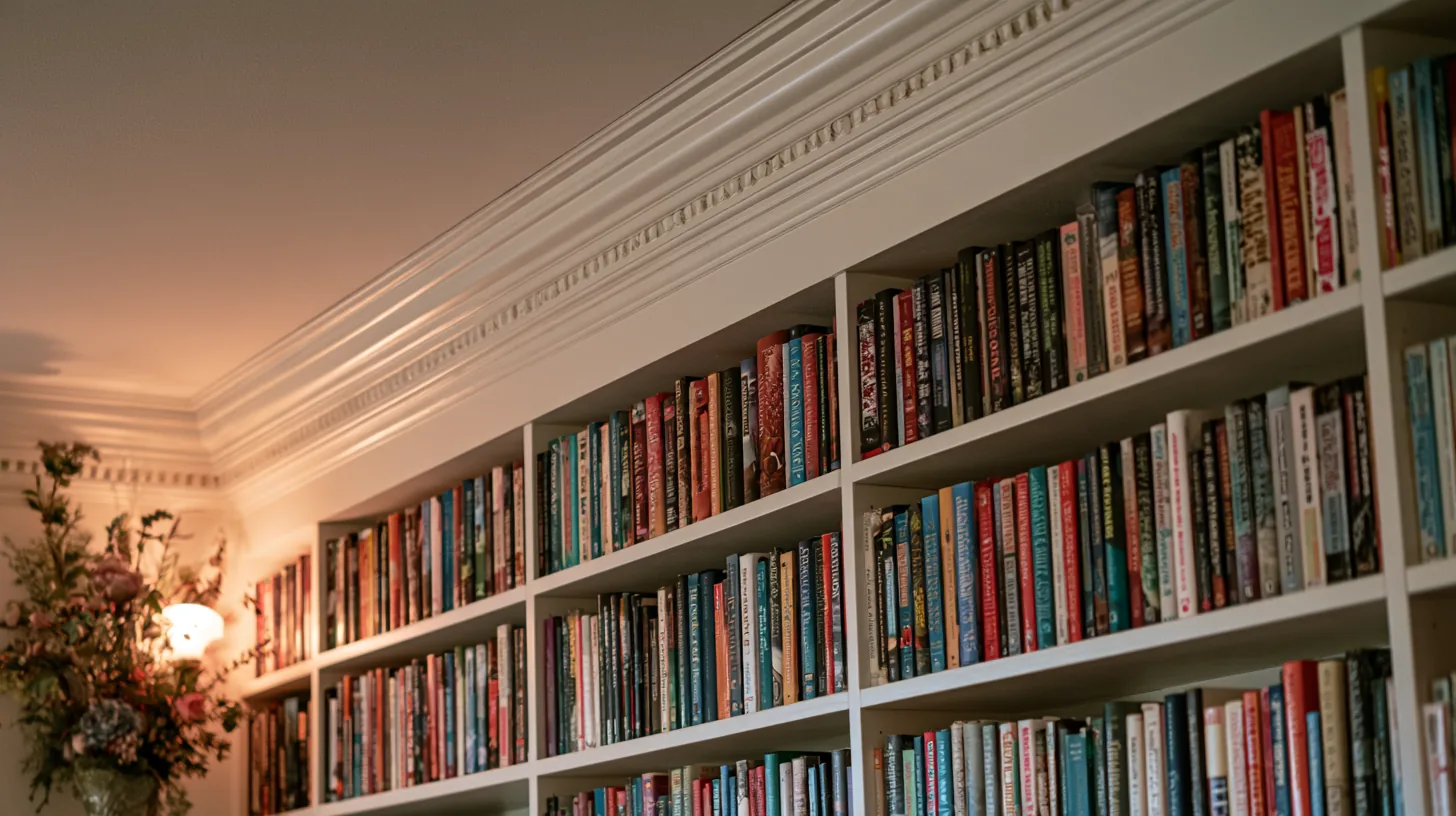
Elegant Bookshelf Display for Professional Video Calls | MeetBackdrops

Elegant Bookshelf Display for Professional Settings | MeetBackdrops

Elegant Bookshelf Display for Professional Settings | MeetBackdrops

Elegant Bookshelves for Professional Video Calls | MeetBackdrops
About this background
In the frame: A large bookshelf filled with a variety of books in rich colors, providing a professional and elegant setting.
A dark, low-key scene with a slightly warm cast, mostly black, charcoal and brown.
Looking your best in front of it
- Lighter or brighter tops stand out against the dark scene; black or very dark clothing can make your shoulders fade into it.
- Softer, lower light on your face matches this scene better than a bright ring light, which can make you look pasted on.
- The centre of the frame is detailed, which gives the scene depth right behind you. Pick a plainer background if you want nothing competing with your face.
- Category
- Bookshelves
- Style
- elegant and sophisticated
- Main colors
- black, charcoal and brown
- In the scene
- bookshelves, colorful and home office
- Suits
- virtual meetings
💡How to use this on Zoom, Teams, and Google Meet
Free version is 1456 × 816 (1.18 MP — below 1080p). HD is 2912 × 1632 (4.75 MP — covers QHD natively). Crop it, reframe it, or edit it into a recorded video and the free version softens; HD holds detail.
Great for: interviews · client calls · expert panels · board meetings — on Zoom, Microsoft Teams, Google Meet, and Webex.