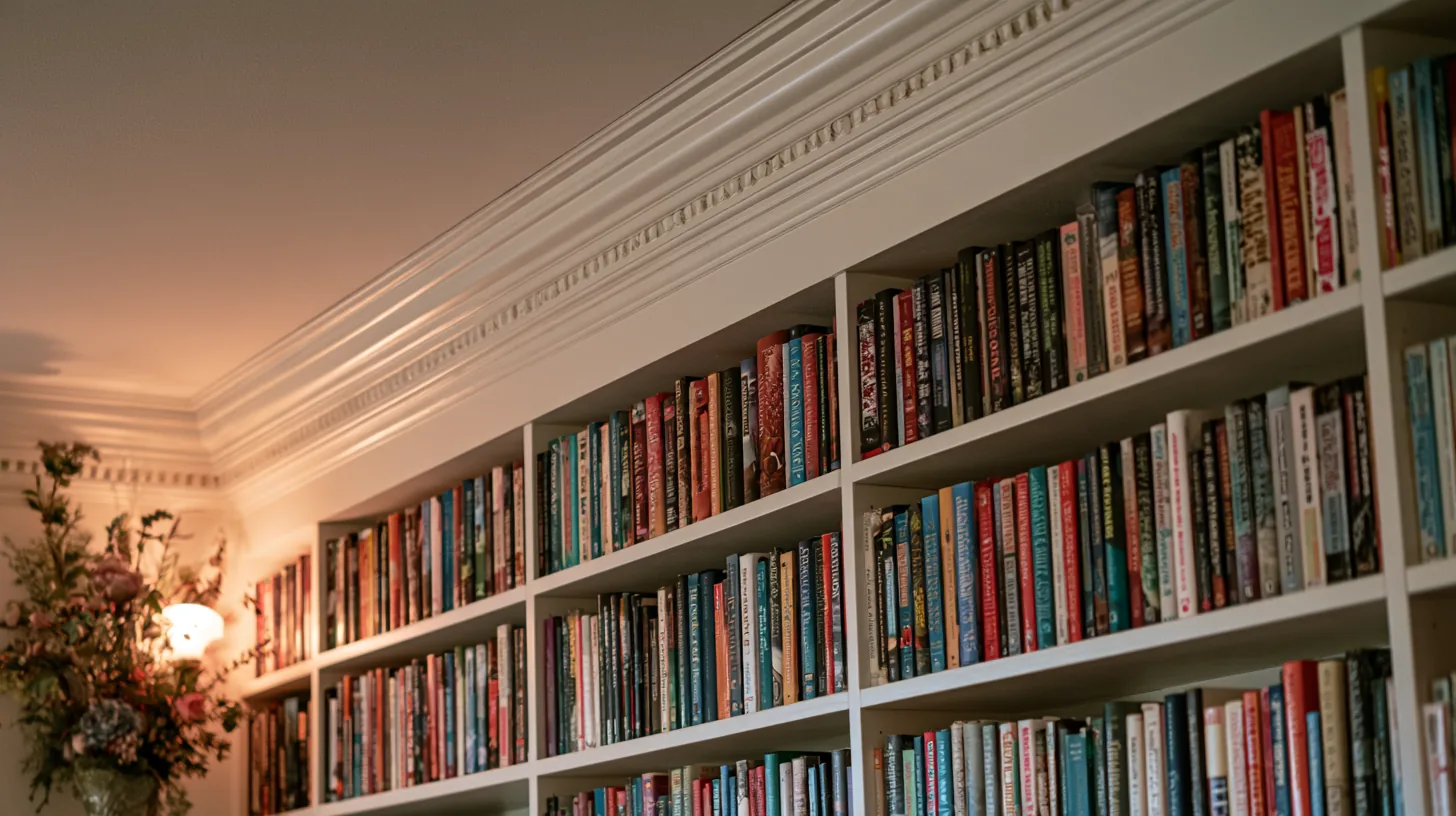
Richly colored books line the shelves, creating a sophisticated backdrop ideal for professional video calls, enhancing your corporate presence.
More Bookshelves backgrounds
View all Bookshelves →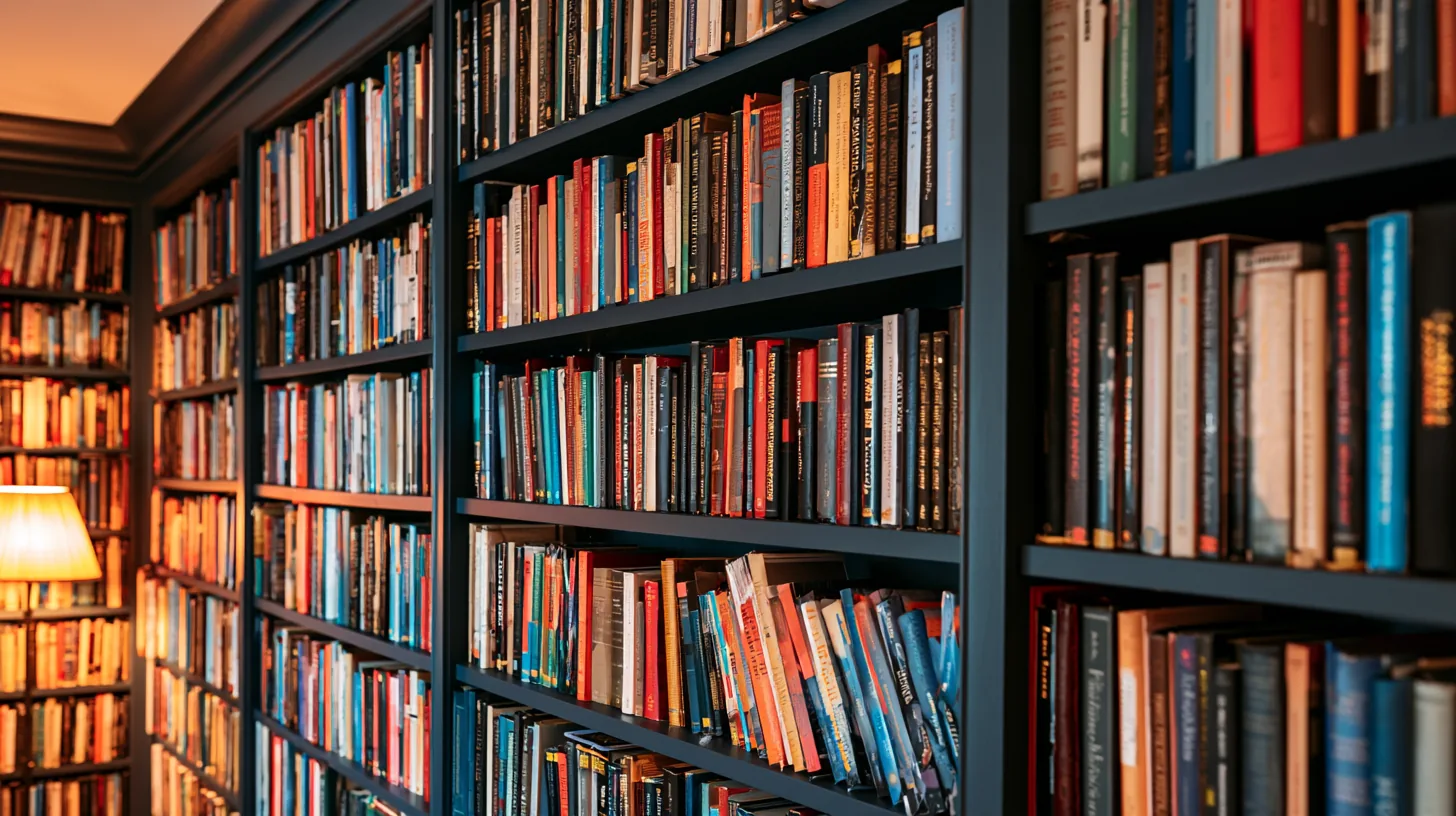
Elegant Bookshelves for Professional Video Calls | MeetBackdrops

Elegant Bookshelf Display for Professional Settings | MeetBackdrops
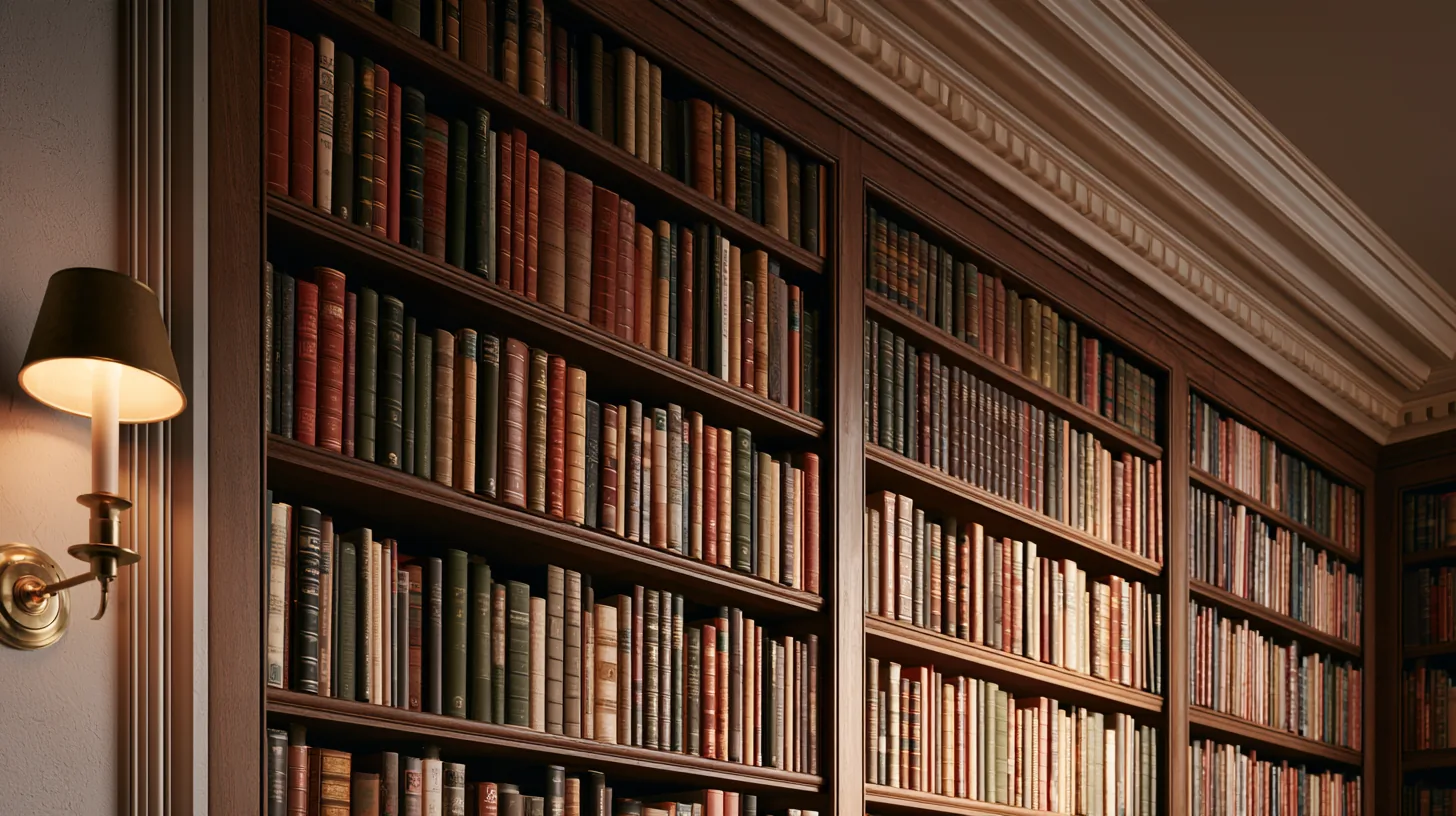
Elegant Bookshelves for Professional Settings | MeetBackdrops
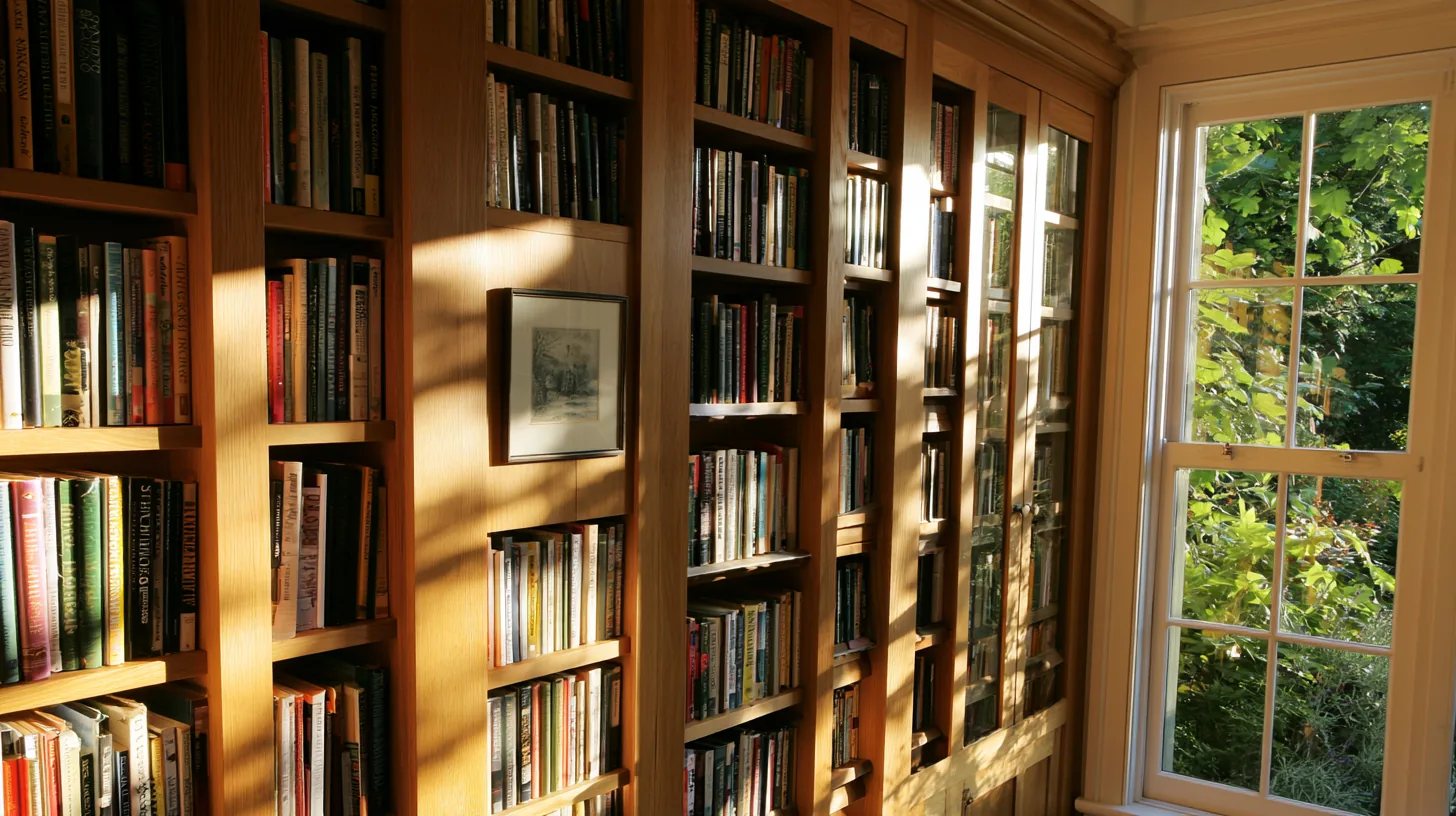
Elegant Bookshelf Setting for Professional Video Calls | MeetBackdrops

Library-Style Bookshelf Wall 08 — 4K Virtual Background for Video Calls | MeetBackdrops

Elegant Bookshelf Display for Professional Settings | MeetBackdrops
About this background
In the frame: A well-organized bookshelf filled with colorful books and decorative elements, providing a refined setting for video calls.
A deep mid-tone scene with a warm, golden cast, mostly olive, dark brown and grey.
Looking your best in front of it
- Most clothing works against it. Just avoid matching the olive that fills most of the frame.
- Even, moderate front light matches this scene. A warm-white lamp suits its color better than cool daylight LEDs.
- The centre of the frame is detailed, which gives the scene depth right behind you. Pick a plainer background if you want nothing competing with your face.
- Category
- Bookshelves
- Style
- sophisticated and elegant
- Main colors
- olive, dark brown and grey
- In the scene
- bookshelves, colorful and home office
- Suits
- professional video calls
💡How to use this on Zoom, Teams, and Google Meet
Free version is 1456 × 816 (1.18 MP — below 1080p). HD is 2912 × 1632 (4.75 MP — covers QHD natively). Crop it, reframe it, or edit it into a recorded video and the free version softens; HD holds detail.
Great for: interviews · client calls · expert panels · board meetings — on Zoom, Microsoft Teams, Google Meet, and Webex.