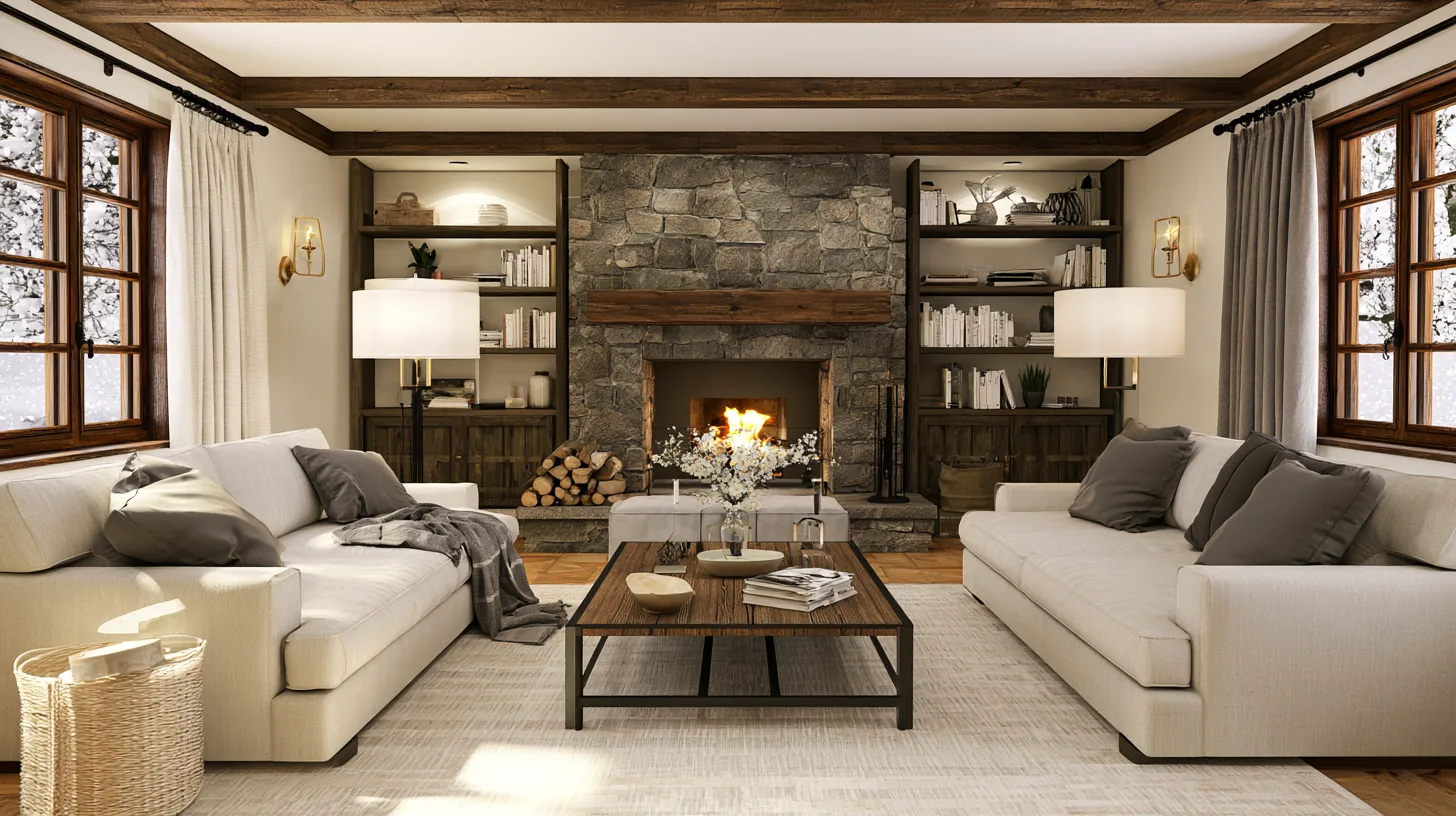
Warm tones and natural textures create an inviting space, ideal for online presentations. The stone fireplace adds a touch of elegance to the setting.
More Winter Backgrounds backgrounds
View all Winter Backgrounds →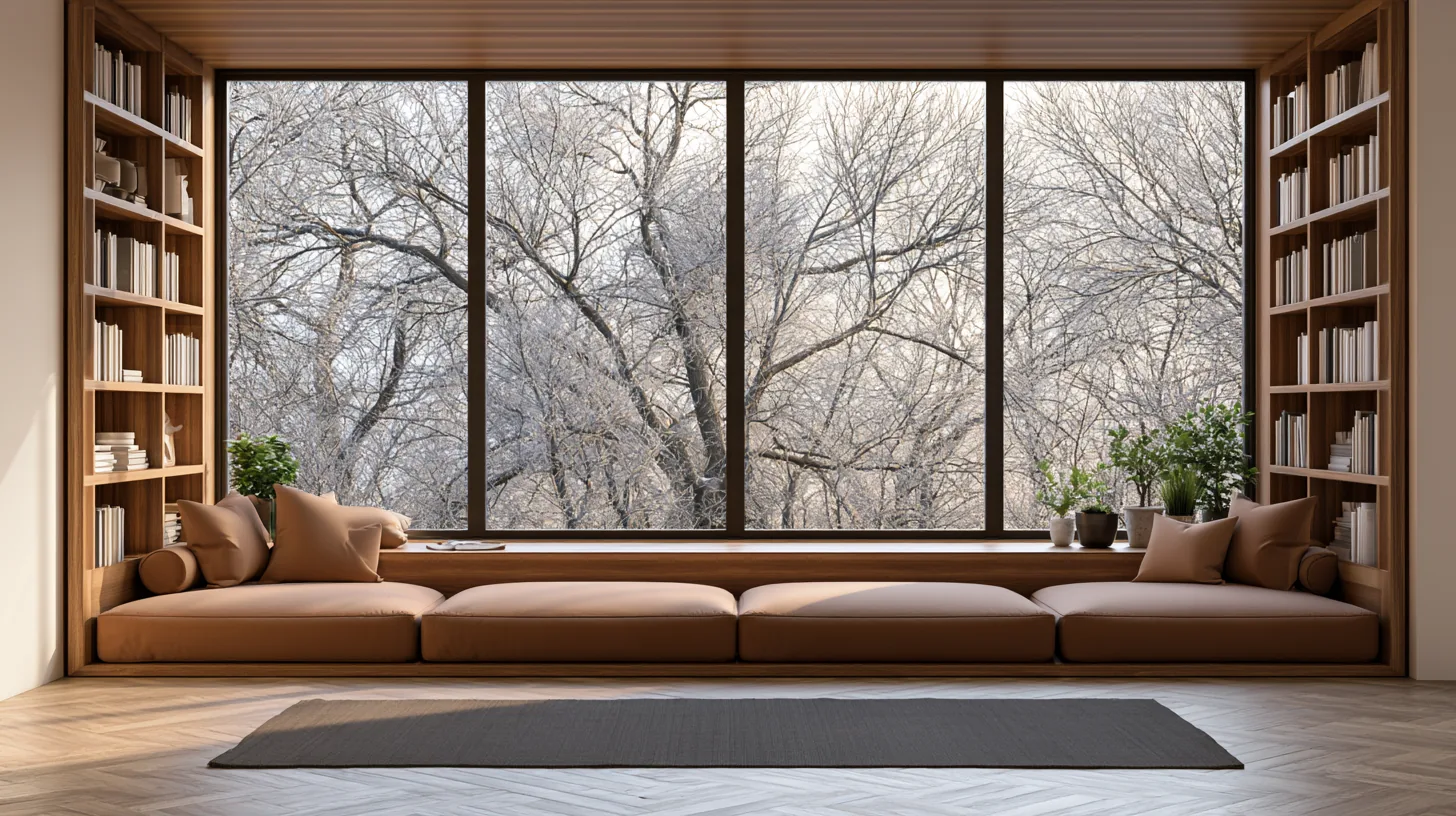
Cozy Modern Living Room with Large Windows | MeetBackdrops
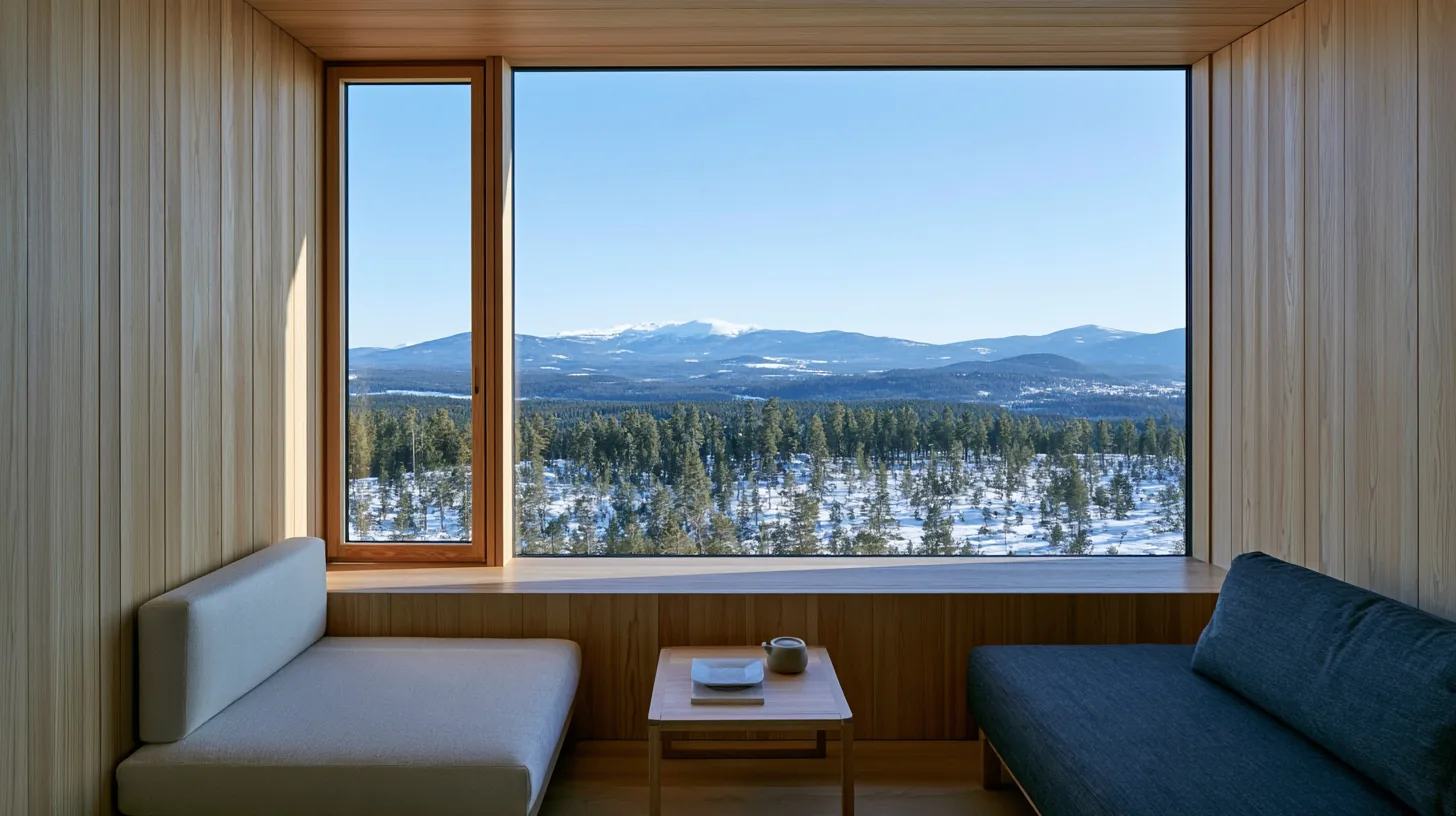
Modern Living Room With Scenic View | MeetBackdrops
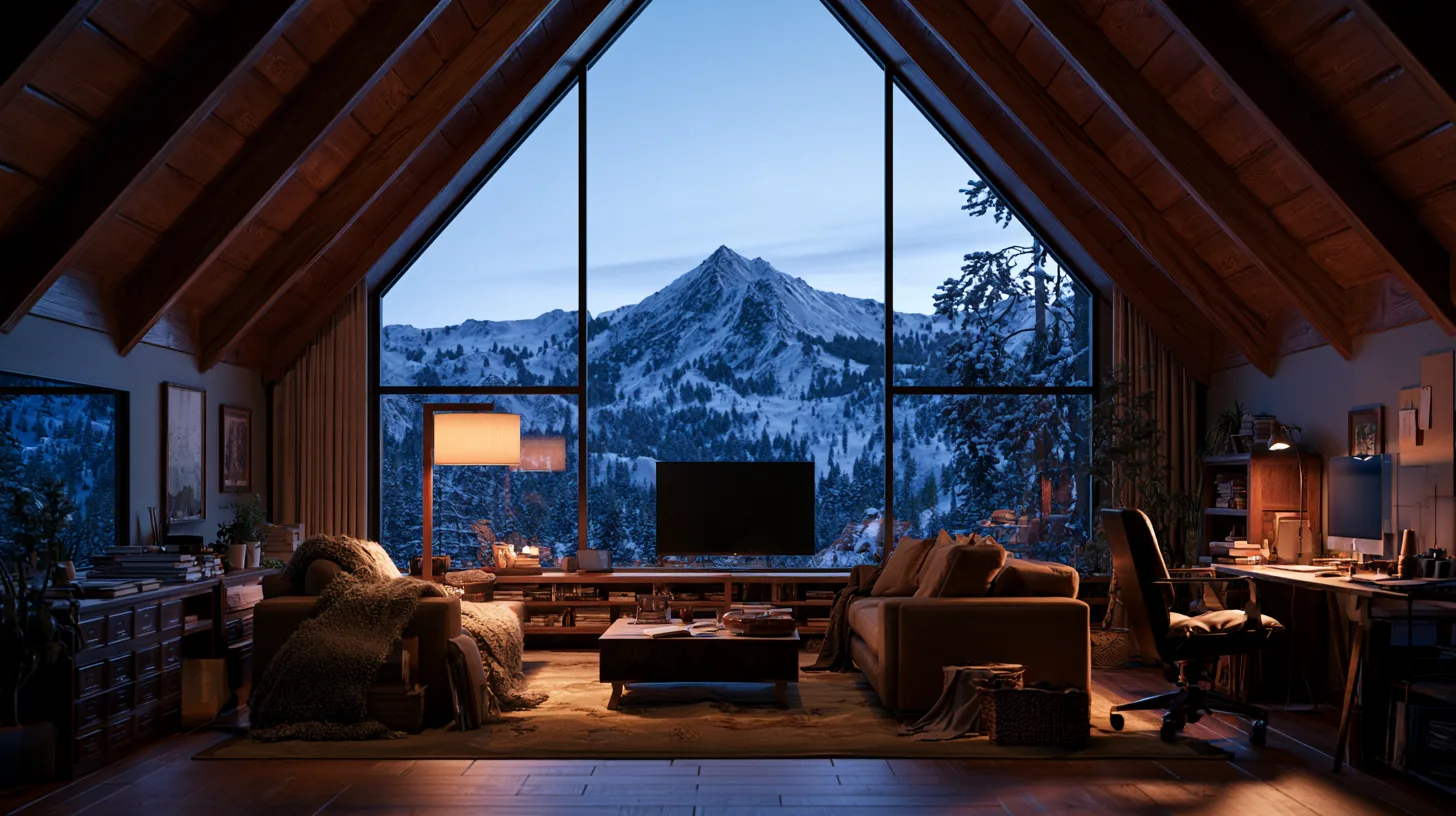
Cozy Mountain Retreat Living Room | MeetBackdrops
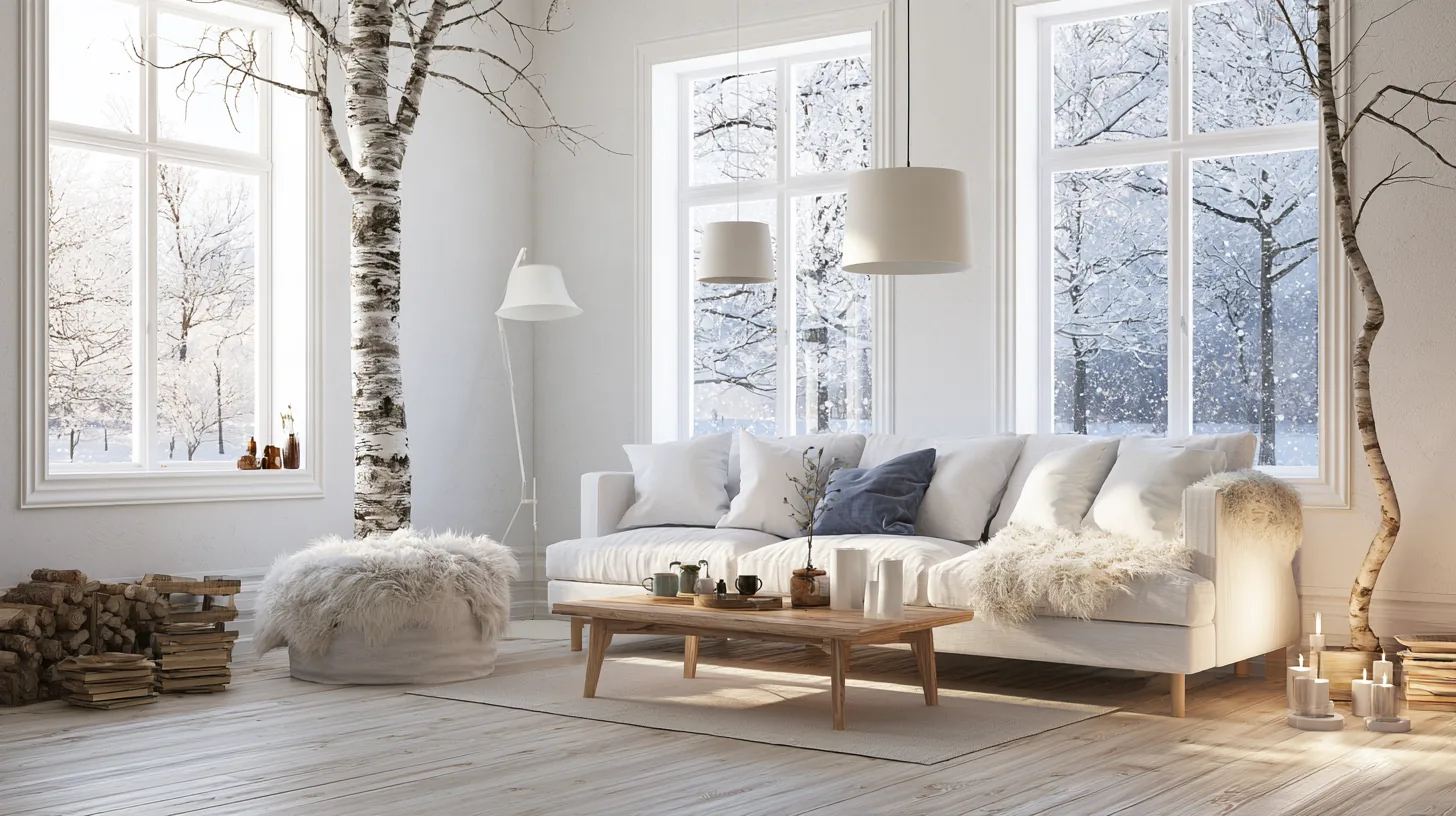
Cozy Winter Living Room with Natural Light | MeetBackdrops
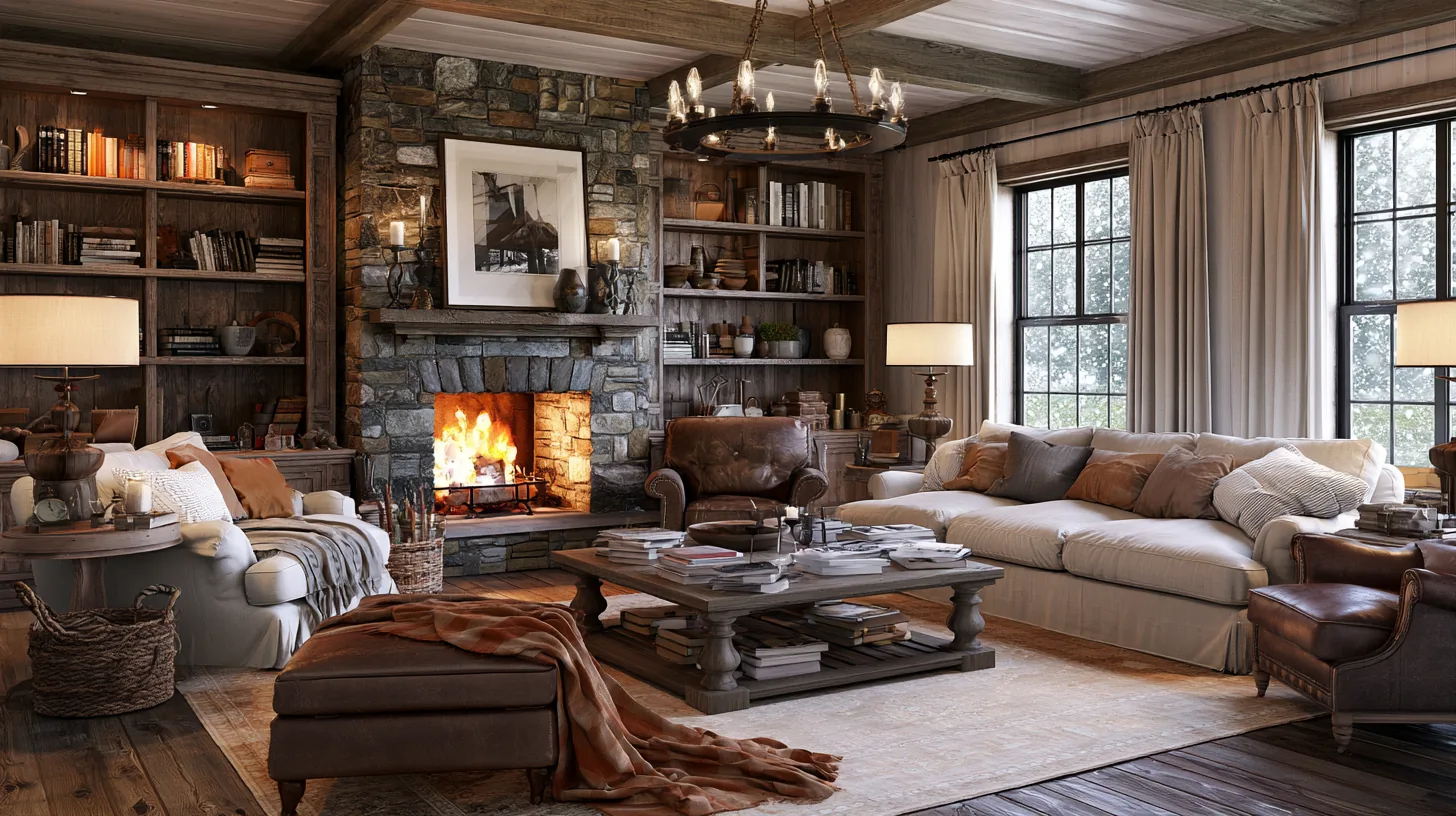
Cozy Living Room with Stone Fireplace | MeetBackdrops
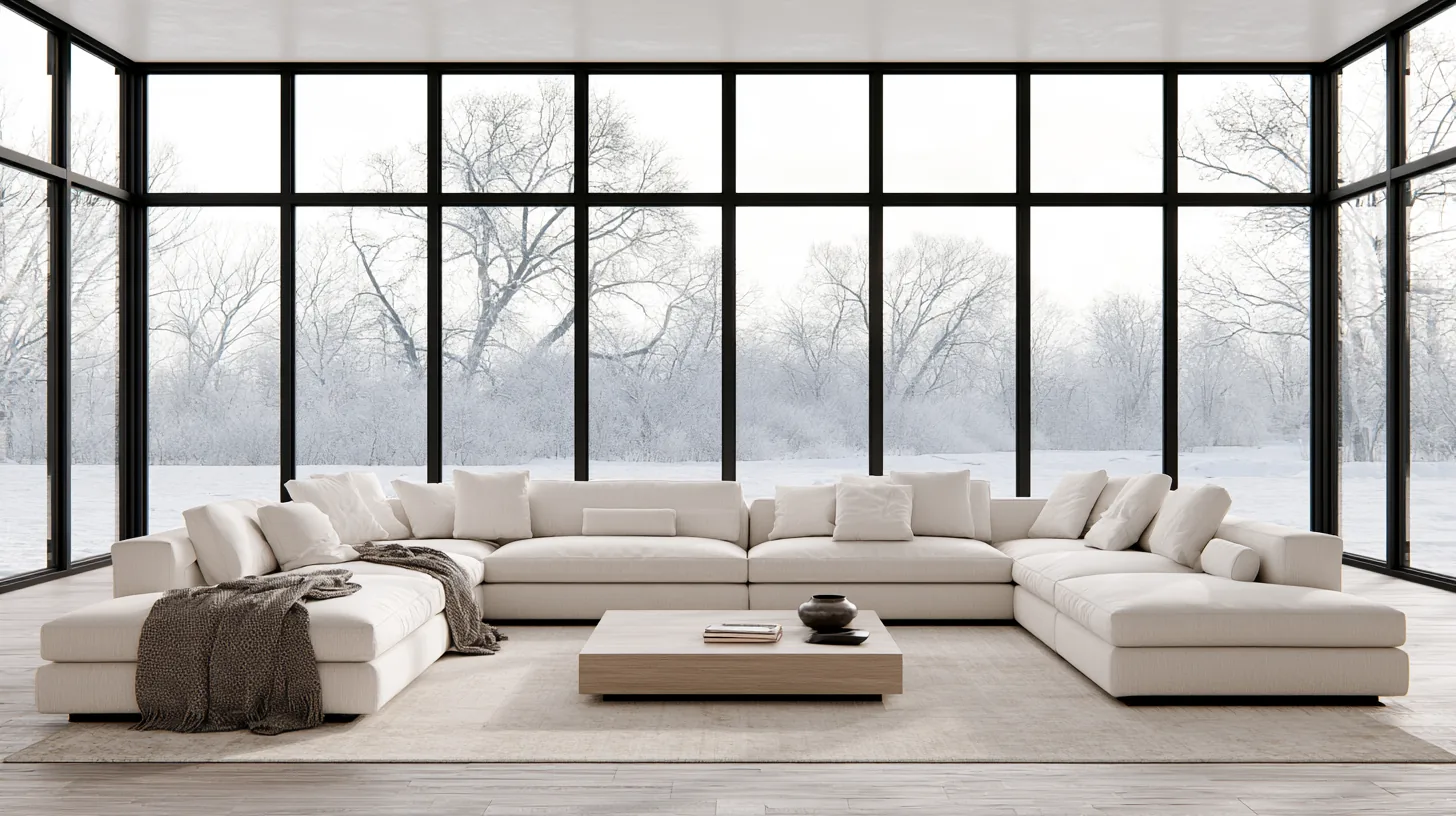
Cozy Winter Living Room with Large Windows | MeetBackdrops
About this background
In the frame: A cozy living room featuring a stone fireplace, two sofas, and wooden shelves filled with books.
A balanced mid-tone scene with a slightly warm cast, mostly beige and dark brown.
Looking your best in front of it
- Most clothing works against it. Just avoid matching the beige that fills most of the frame.
- Even, moderate front light matches this scene. A warm-white lamp suits its color better than cool daylight LEDs.
- Category
- Winter Backgrounds
- Style
- cozy and elegant
- Light
- natural light
- Main colors
- beige and dark brown
- In the scene
- living room
- Suits
- online presentations
💡How to use this on Zoom, Teams, and Google Meet
Free version is 1456 × 816 (1.18 MP — below 1080p). HD is 2912 × 1632 (4.75 MP — covers QHD natively). Crop it, reframe it, or edit it into a recorded video and the free version softens; HD holds detail.