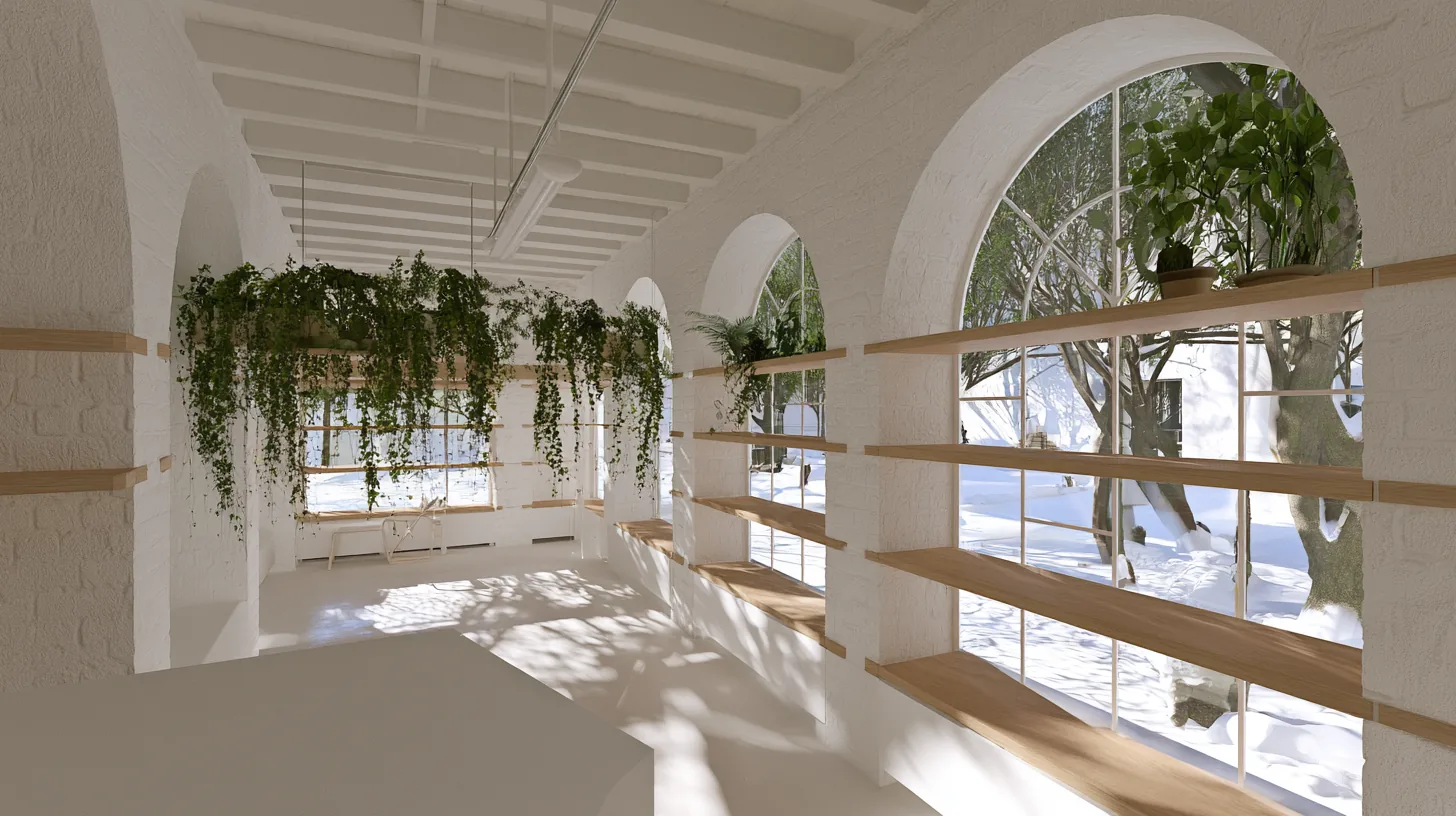
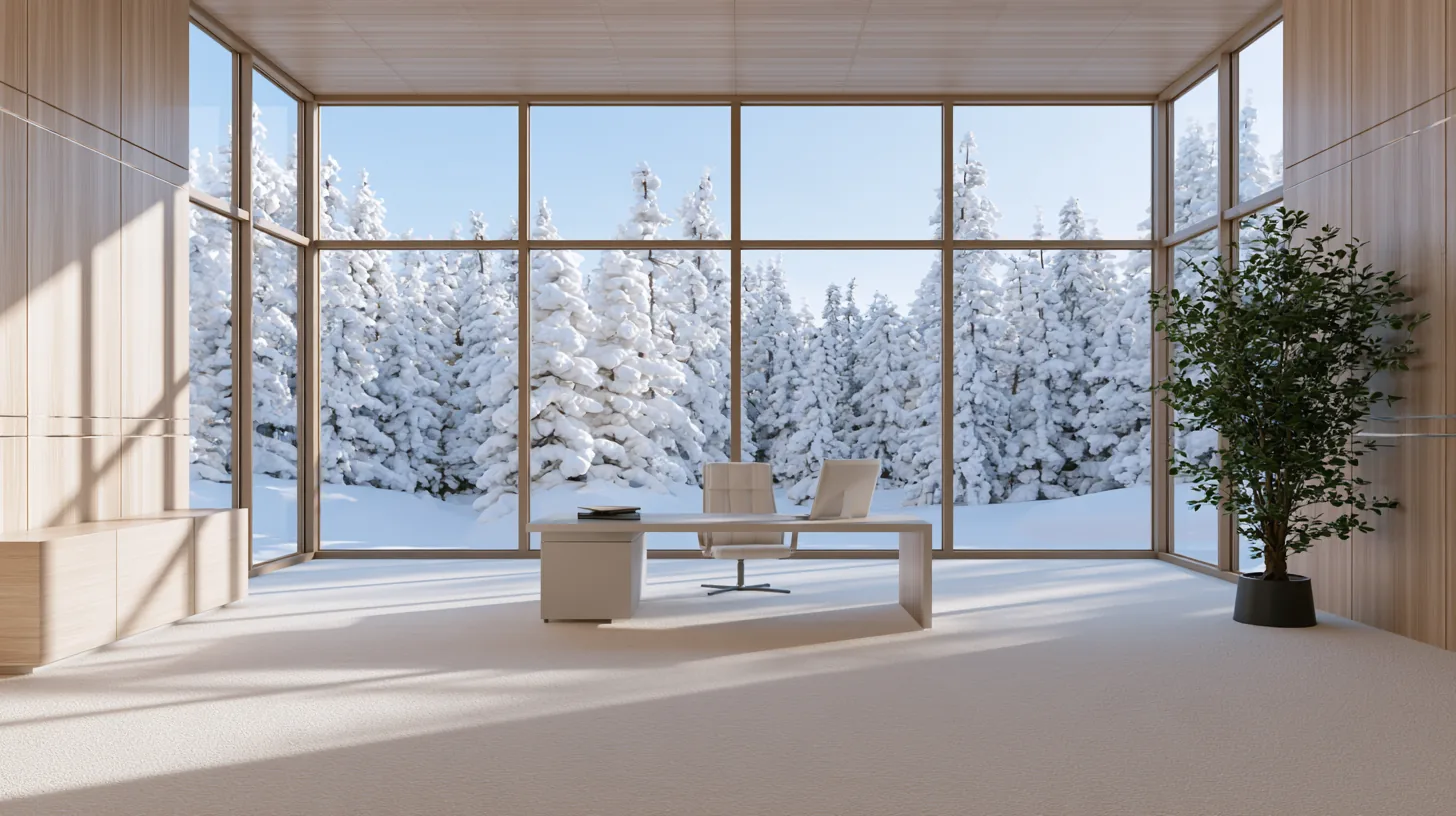
Soft light filters through large windows, creating a serene atmosphere ideal for professional video calls in a winter setting.
More Winter Backgrounds backgrounds
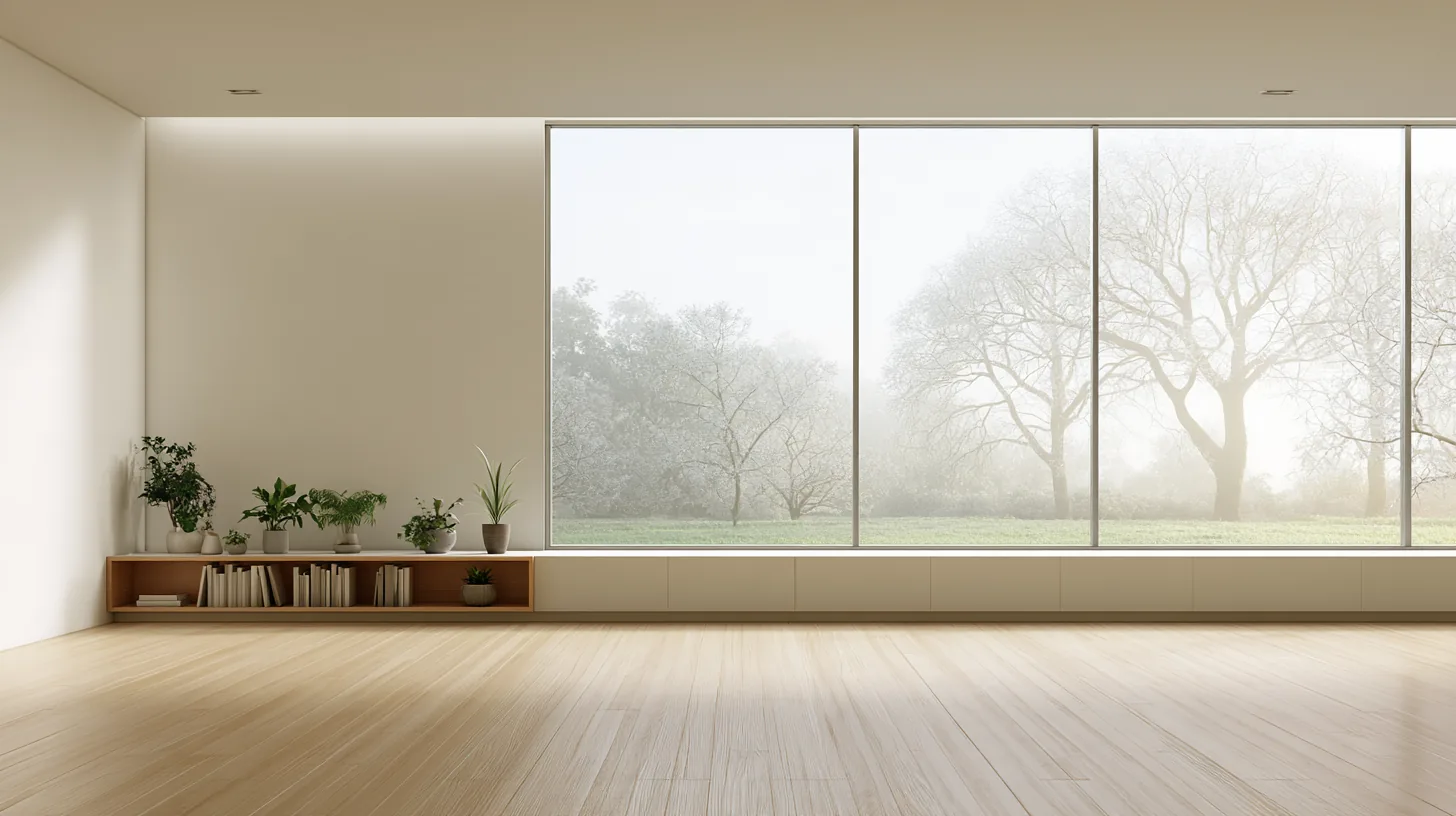
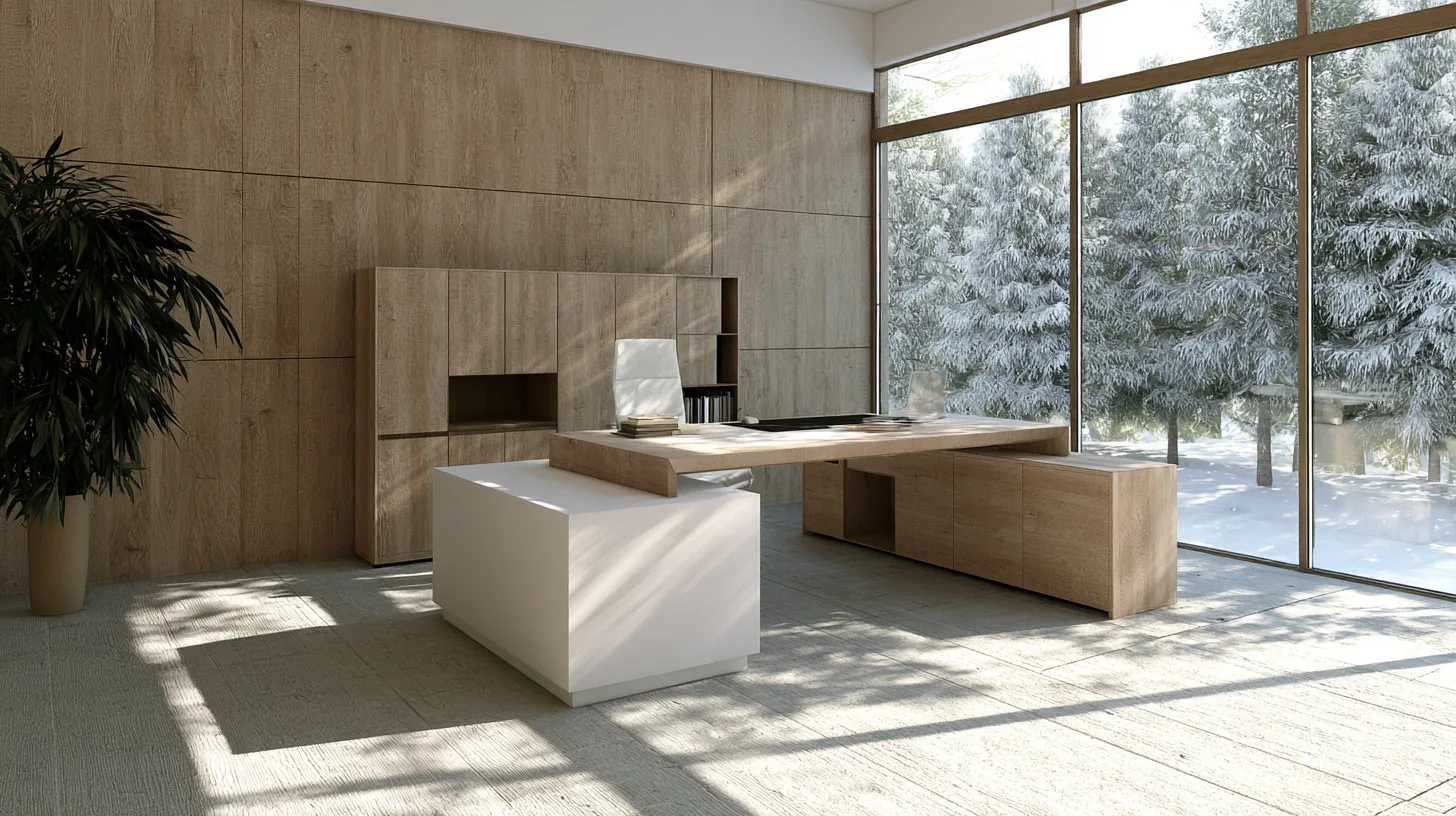
View all Winter Backgrounds →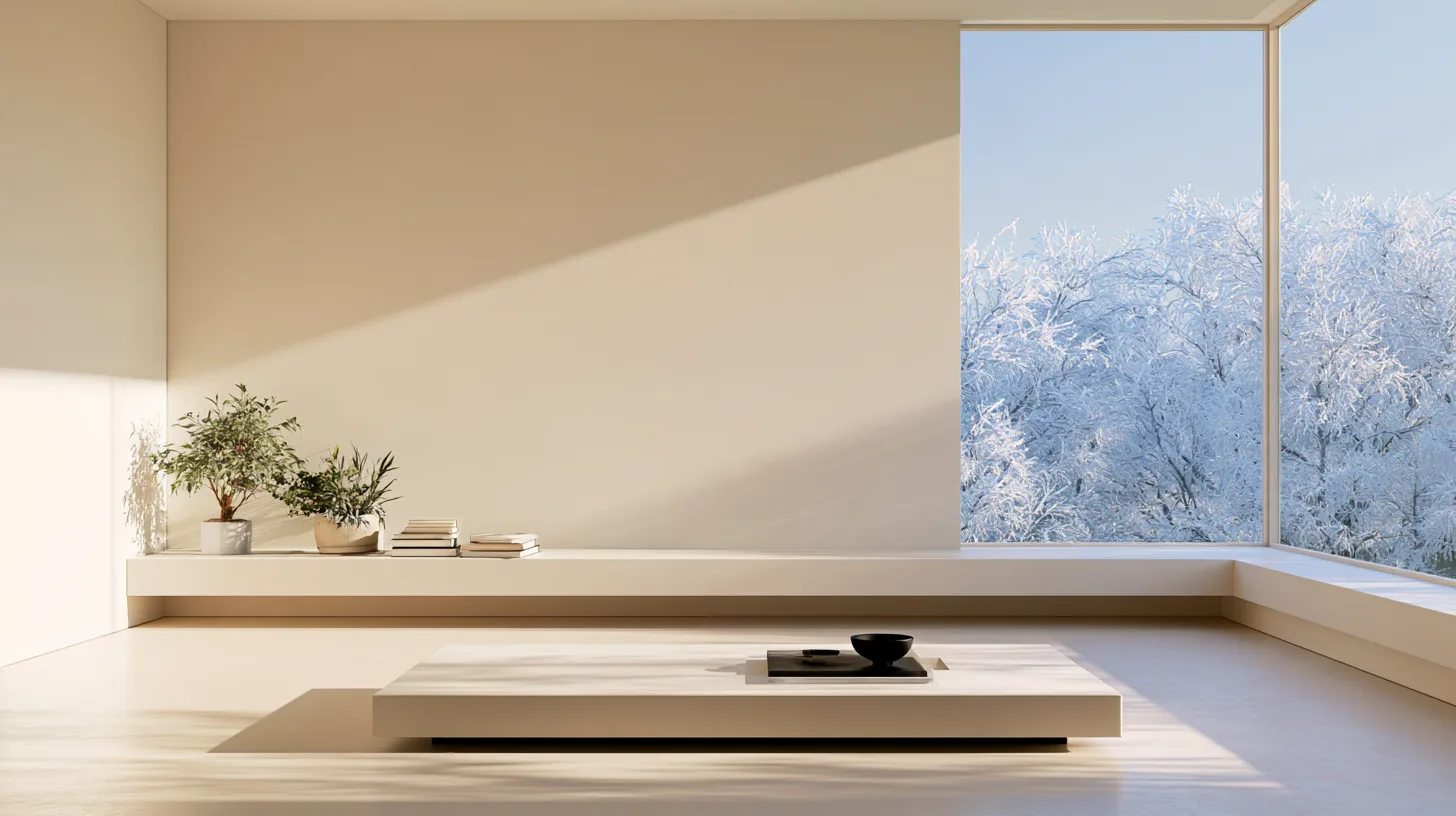
About this background
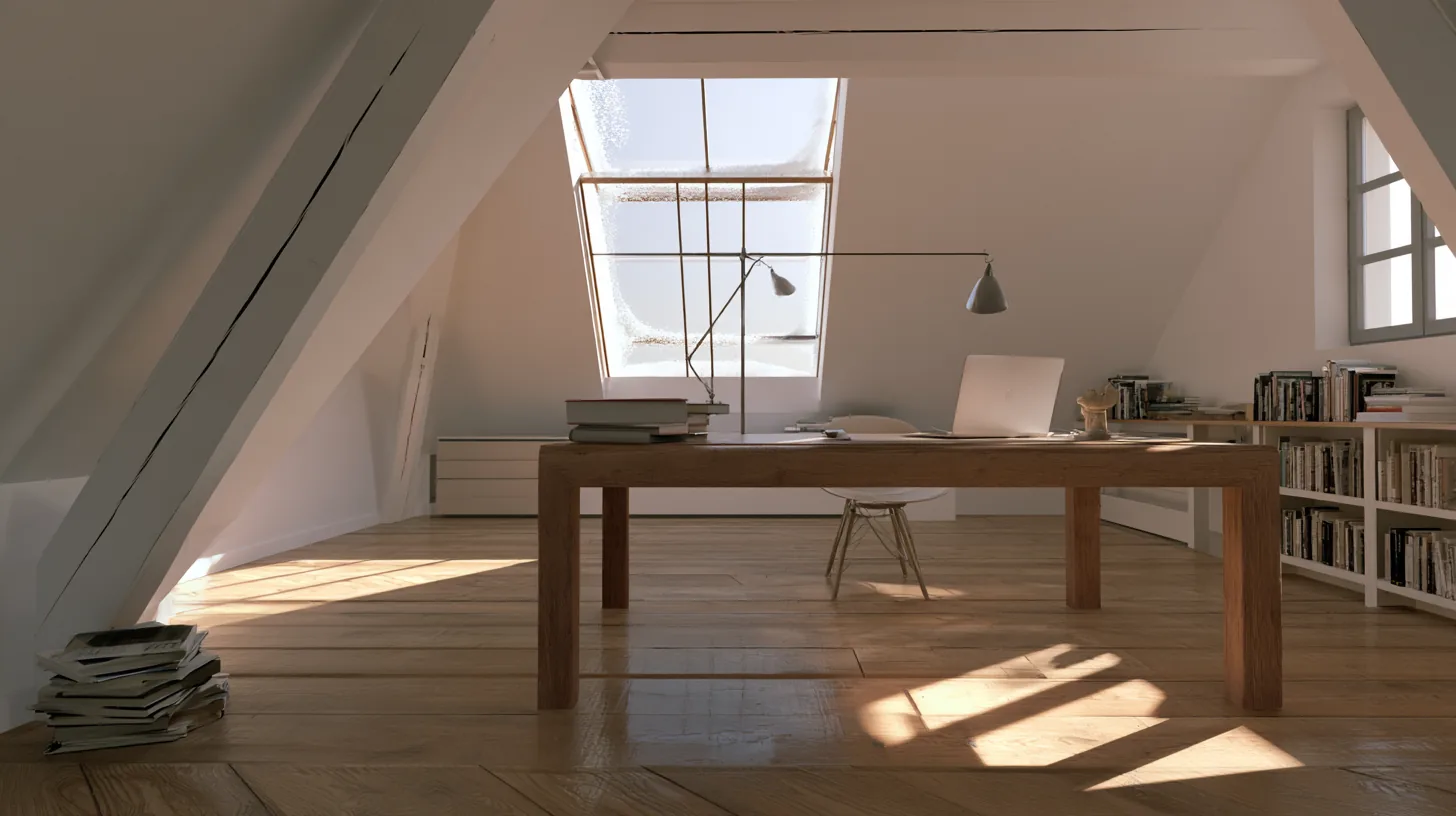
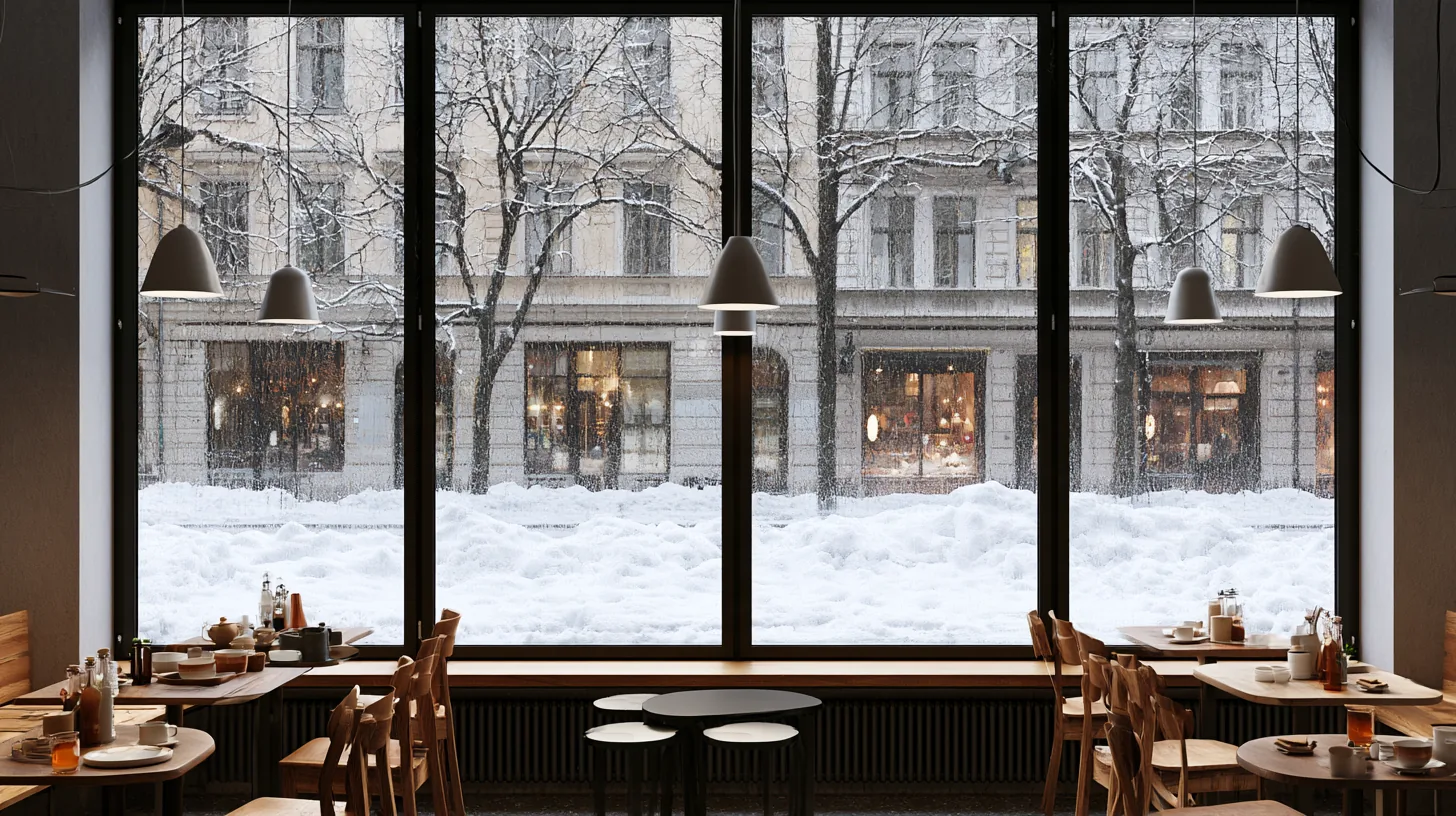
In the frame: Bright interior space with large windows, white walls, and winter scenery visible outside, featuring plants and wooden shelves.
A balanced mid-tone scene with a slightly warm cast, mostly grey, sage and olive.
Looking your best in front of it
- Most clothing works against it. Just avoid matching the grey that fills most of the frame.
- Even, moderate front light matches this scene.
- Category
- Winter Backgrounds
- Style
- bright, serene and minimalist
- Light
- natural light
- Main colors
- grey, sage and olive
- In the scene
- winter and plants
- Suits
- professional video calls
💡How to use this on Zoom, Teams, and Google Meet
Zoom: Settings → Backgrounds & Effects → click + next to Virtual Backgrounds → Add Image → choose this PNG.
Microsoft Teams: Before joining a call, click Background filters → Add new → upload this PNG. Or in-call: More → Apply background effects.
Google Meet: Click the visual-effects icon (bottom-right of self-view) → Backgrounds tab → upload this PNG with the + button.
Tip: 16:9 aspect ratio, designed for codec compression so it stays crisp on calls.
HDFor recordings, video editing, and wallpaper
Free version is 1456 × 816 (1.18 MP — below 1080p). HD is 2912 × 1632 (4.75 MP — covers QHD natively). Crop it, reframe it, or edit it into a recorded video and the free version softens; HD holds detail.