
Richly textured exposed brick wall complements the setting for executive video calls, featuring a stylish window that adds depth to the scene.
More Urban Lofts backgrounds
View all Urban Lofts →
Modern Industrial Kitchen Space | MeetBackdrops

Stylish Urban Loft Living Room | MeetBackdrops

Exposed Brick Wall with Concrete Accents | MeetBackdrops

Exposed Brick Wall with Natural Light | MeetBackdrops
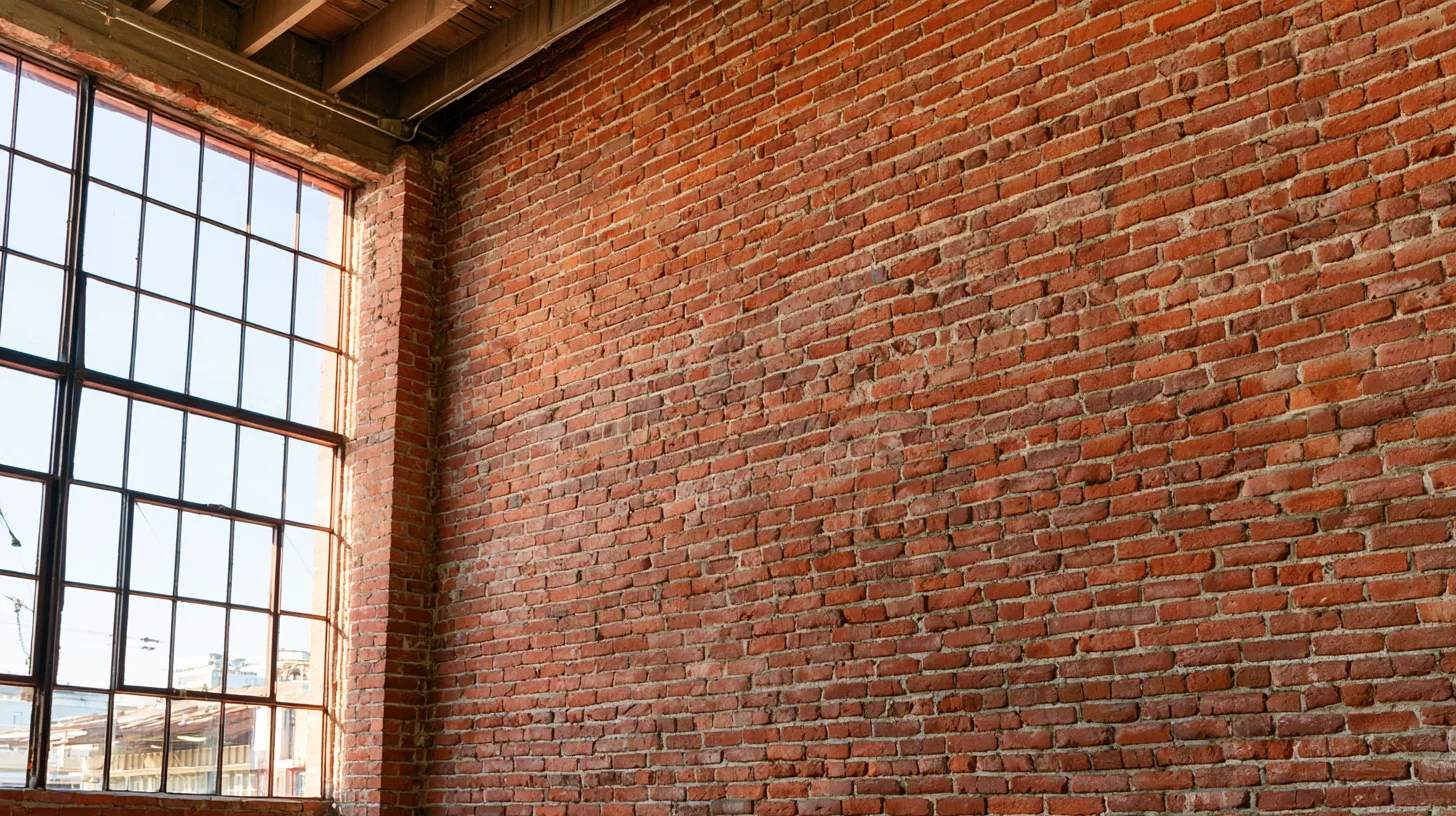
Exposed Brick Wall with Large Window | MeetBackdrops

Industrial Loft 67 — Studio-Designed Background for Teams & Zoom | MeetBackdrops
💡How to use this on Zoom, Teams, and Google Meet
Free version is 1456 × 816 (1.18 MP — below 1080p). HD is 2912 × 1632 (4.75 MP — covers QHD natively). Crop it, reframe it, or edit it into a recorded video and the free version softens; HD holds detail.
Great for: team meetings · client calls · presentations · design reviews — on Zoom, Microsoft Teams, Google Meet, and Webex.