
Soft blue wall with warm wooden flooring creates a serene setting for executive video calls, enhanced by gentle natural light streaming in.
More Neutral & Plain Walls backgrounds
View all Neutral & Plain Walls →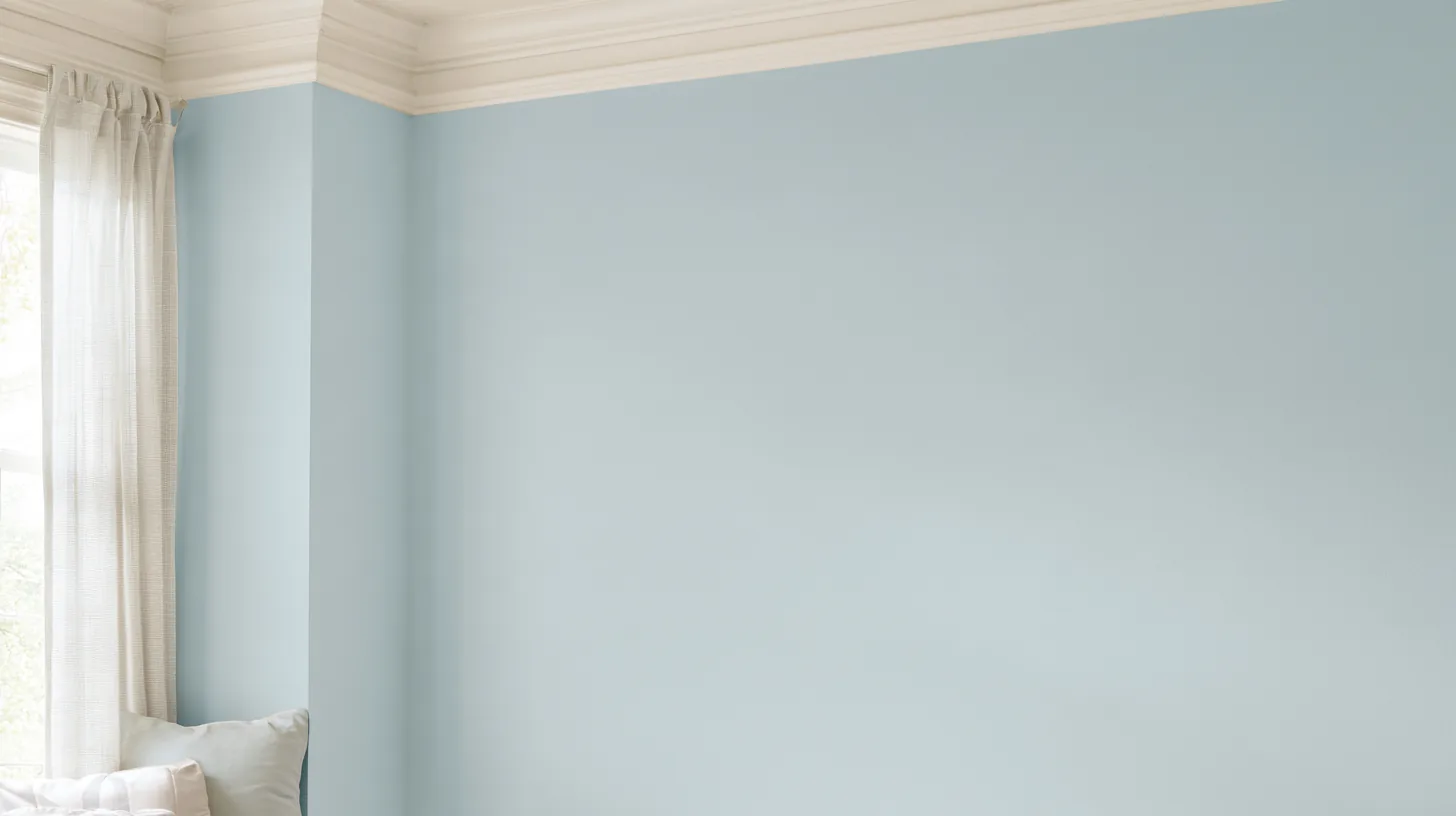
Soft Blue Wall for Professional Video Calls | MeetBackdrops

Soft Textured Wall with Natural Light | MeetBackdrops

Soft Neutral Wall with Framed Art | MeetBackdrops
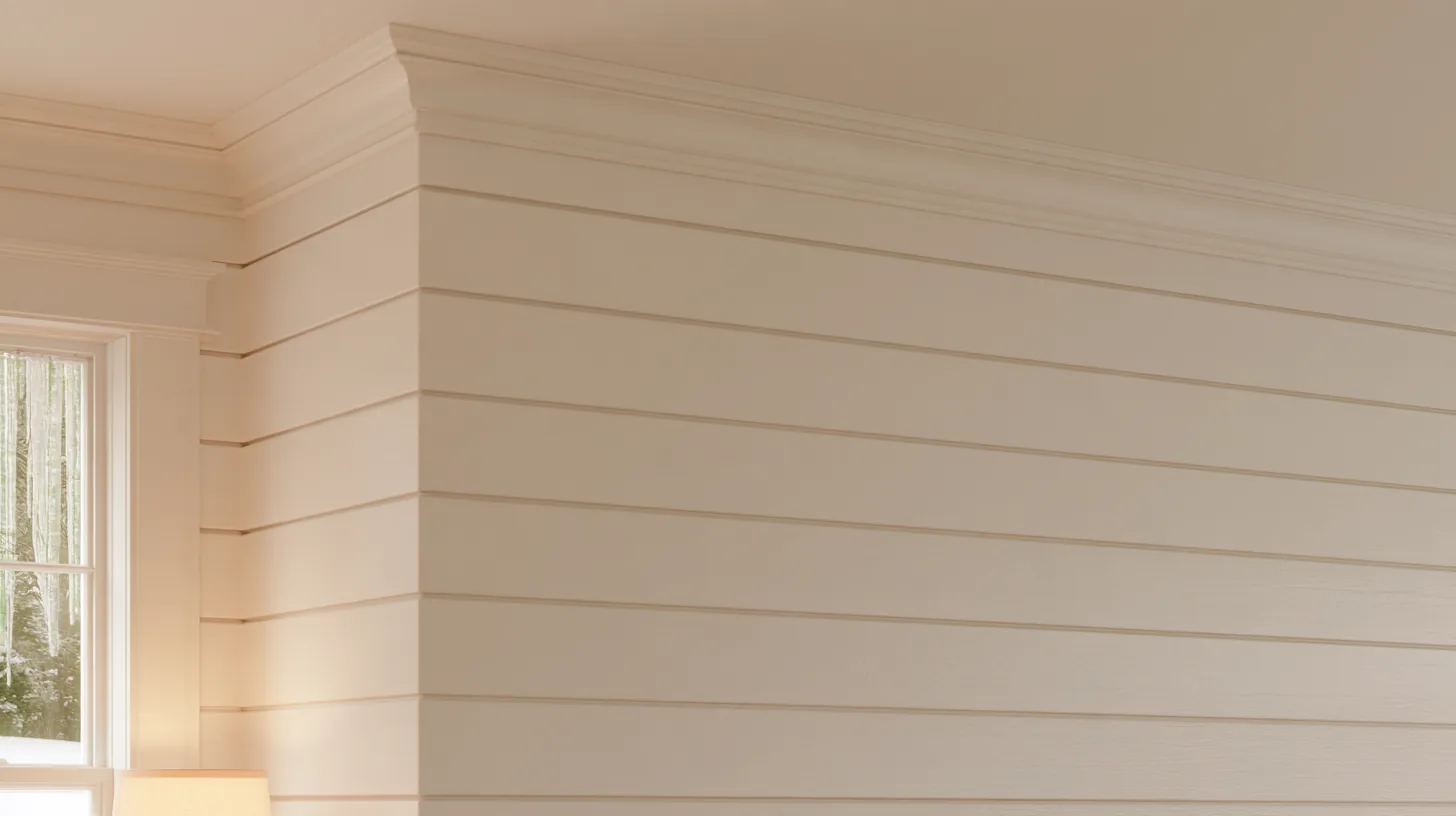
Soft Textured Wall in Neutral Tones | MeetBackdrops

Elegant Green and Wood Textures | MeetBackdrops

Minimalist Boardroom with Soft Lighting | MeetBackdrops
About this background
In the frame: A soft blue wall in a corner with warm wooden flooring and natural light coming through a window.
A balanced mid-tone scene with neutral color, mostly slate blue, grey and charcoal.
Looking your best in front of it
- Most clothing works against it. Just avoid matching the slate blue that fills most of the frame.
- Even, moderate front light matches this scene.
- The centre of the frame, where you sit, is plain, so nothing competes with your face.
- Category
- Neutral & Plain Walls
- Light
- natural light
- Main colors
- slate blue, grey and charcoal
- In the scene
- soft blue, wooden flooring, minimalist design and professional setting
- Suits
- executive video calls
💡How to use this on Zoom, Teams, and Google Meet
Free version is 1456 × 816 (1.18 MP — below 1080p). HD is 2912 × 1632 (4.75 MP — covers QHD natively). Crop it, reframe it, or edit it into a recorded video and the free version softens; HD holds detail.
Great for: interviews · focus calls · presentations — on Zoom, Microsoft Teams, Google Meet, and Webex.