
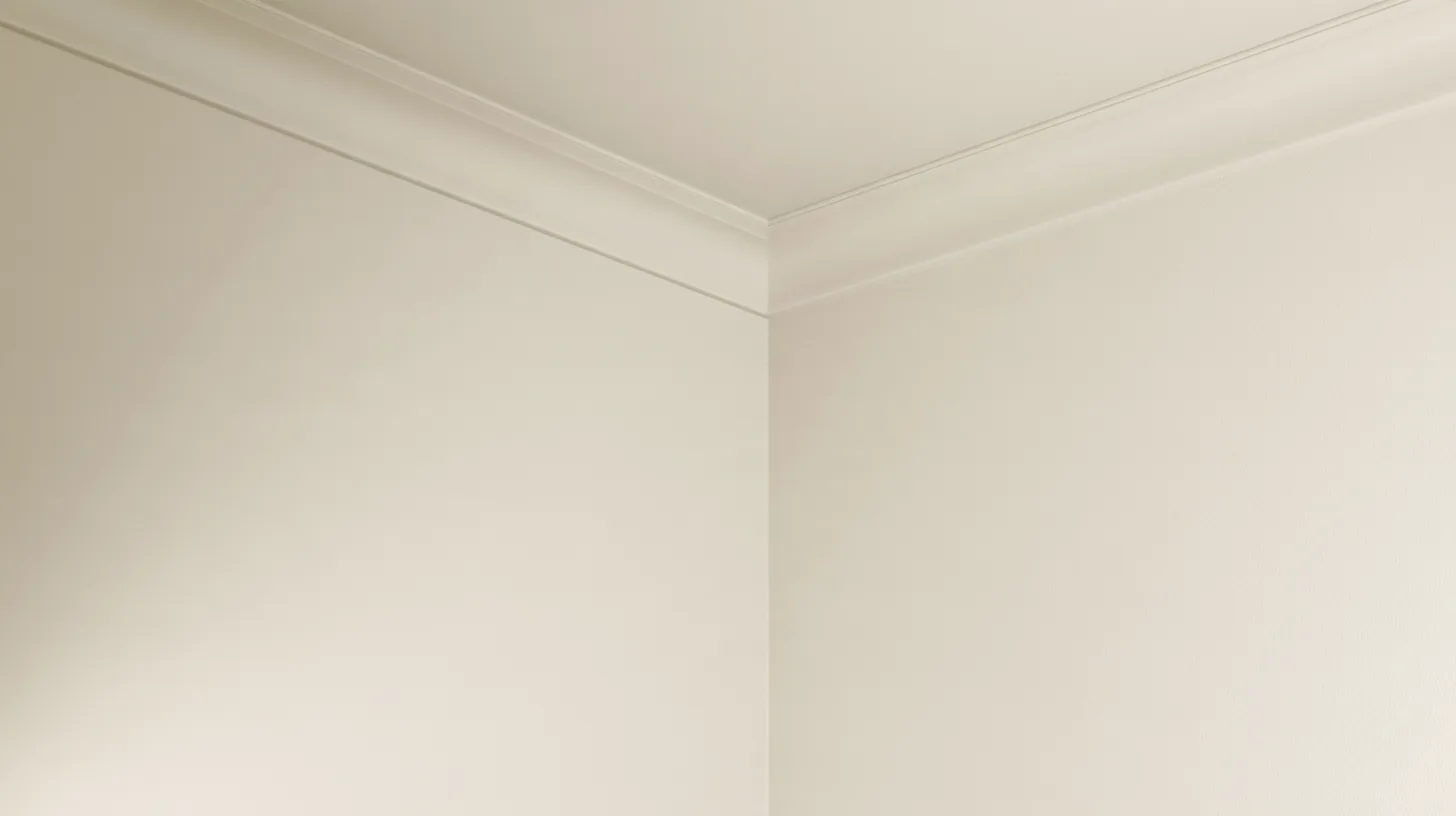
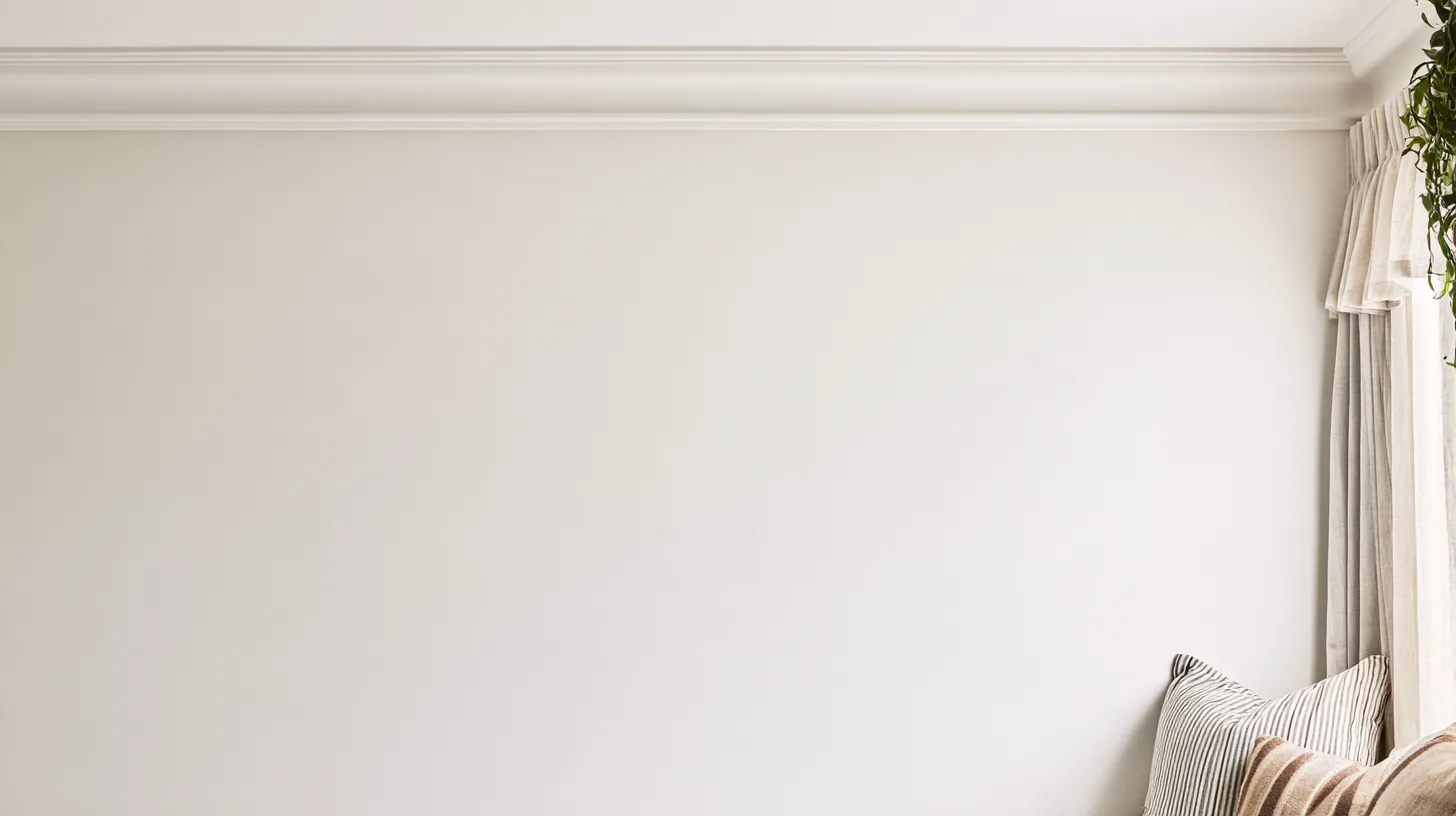
Softly textured wall panels create a serene atmosphere, ideal for virtual meetings and professional settings. Perfect for enhancing your video calls.
More Neutral & Plain Walls backgrounds
View all Neutral & Plain Walls →



About this background
In the frame: Neutral wall with three textured panels and a light rug, designed for a professional setting.
A bright, high-key scene with a slightly warm cast, mostly beige, light grey and tan.
Looking your best in front of it
- Navy, charcoal, or a saturated color separates you from the bright wall; white or pale tops tend to blend into it.
- Bright, even light from the front matches this scene; if you sit in shadow, the contrast with the wall gives the composite away. A warm-white lamp suits its color better than cool daylight LEDs.
- The centre of the frame, where you sit, is plain, so nothing competes with your face.
- Category
- Neutral & Plain Walls
- Style
- minimalist, calm and elegant
- Main colors
- beige, light grey and tan
- Suits
- virtual meetings
💡How to use this on Zoom, Teams, and Google Meet
Zoom: Settings → Backgrounds & Effects → click + next to Virtual Backgrounds → Add Image → choose this PNG.
Microsoft Teams: Before joining a call, click Background filters → Add new → upload this PNG. Or in-call: More → Apply background effects.
Google Meet: Click the visual-effects icon (bottom-right of self-view) → Backgrounds tab → upload this PNG with the + button.
Tip: 16:9 aspect ratio, designed for codec compression so it stays crisp on calls.
HDFor recordings, video editing, and wallpaper
Free version is 1456 × 816 (1.18 MP — below 1080p). HD is 2912 × 1632 (4.75 MP — covers QHD natively). Crop it, reframe it, or edit it into a recorded video and the free version softens; HD holds detail.
Great for: interviews · focus calls · presentations · formal calls — on Zoom, Microsoft Teams, Google Meet, and Webex.