
Softly textured light gray wall creates a serene atmosphere, ideal for professional video calls in any corporate setting. Perfect for enhancing focus.
More Neutral & Plain Walls backgrounds
View all Neutral & Plain Walls →
Textured Light Neutral Wall | MeetBackdrops
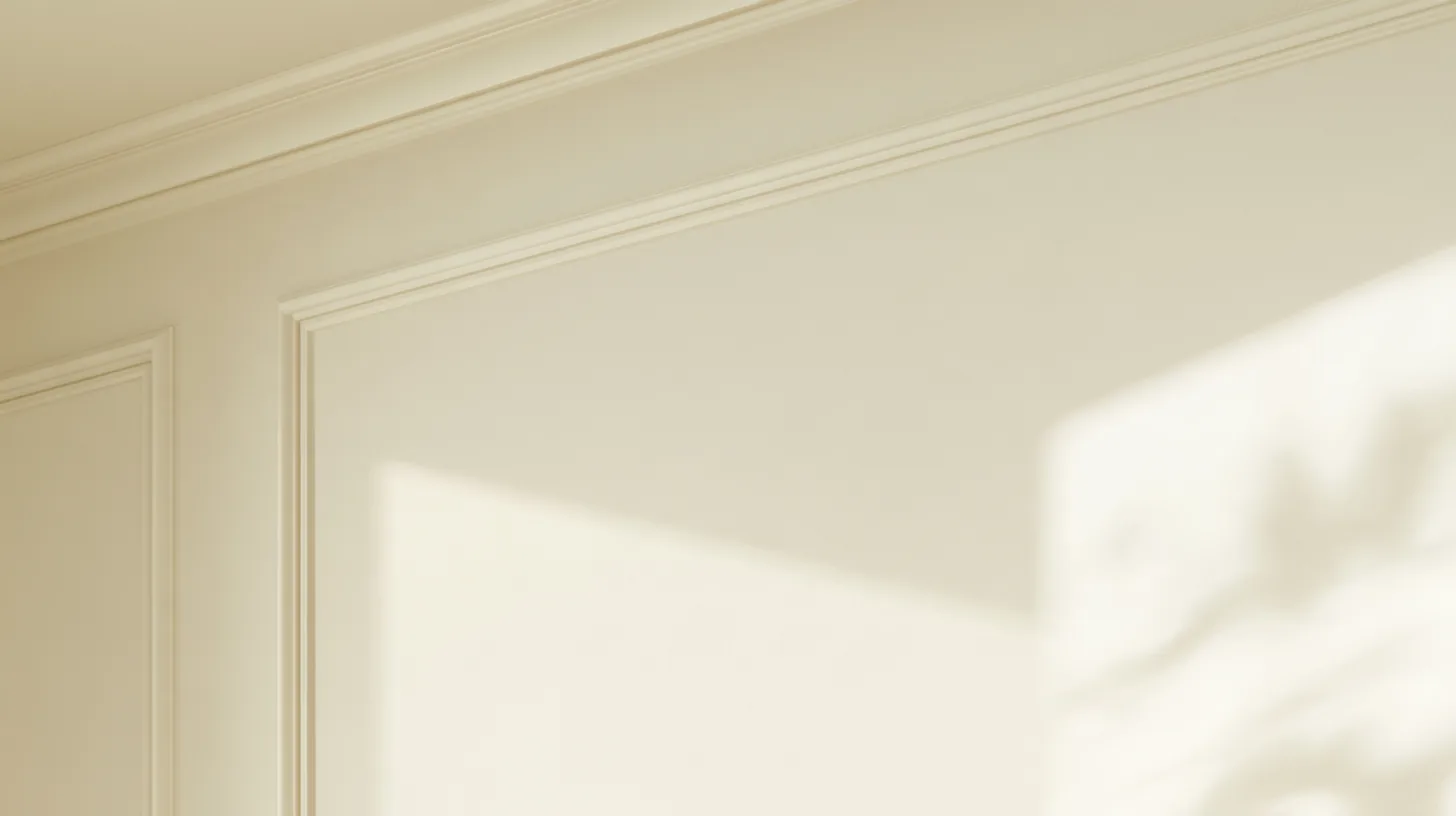
Soft Textured Wall with Subtle Shadows | MeetBackdrops

Textured Beige Wall for Professional Settings | MeetBackdrops

Textured Earthy Wall for Professional Settings | MeetBackdrops

Soft Textured Wall Surface for Professional Settings | MeetBackdrops

Soft Textured Wall with Gradient Light | MeetBackdrops
💡How to use this on Zoom, Teams, and Google Meet
Free version is 1456 × 816 (1.18 MP — below 1080p). HD is 2912 × 1632 (4.75 MP — covers QHD natively). Crop it, reframe it, or edit it into a recorded video and the free version softens; HD holds detail.
Great for: interviews · focus calls · presentations · formal calls — on Zoom, Microsoft Teams, Google Meet, and Webex.