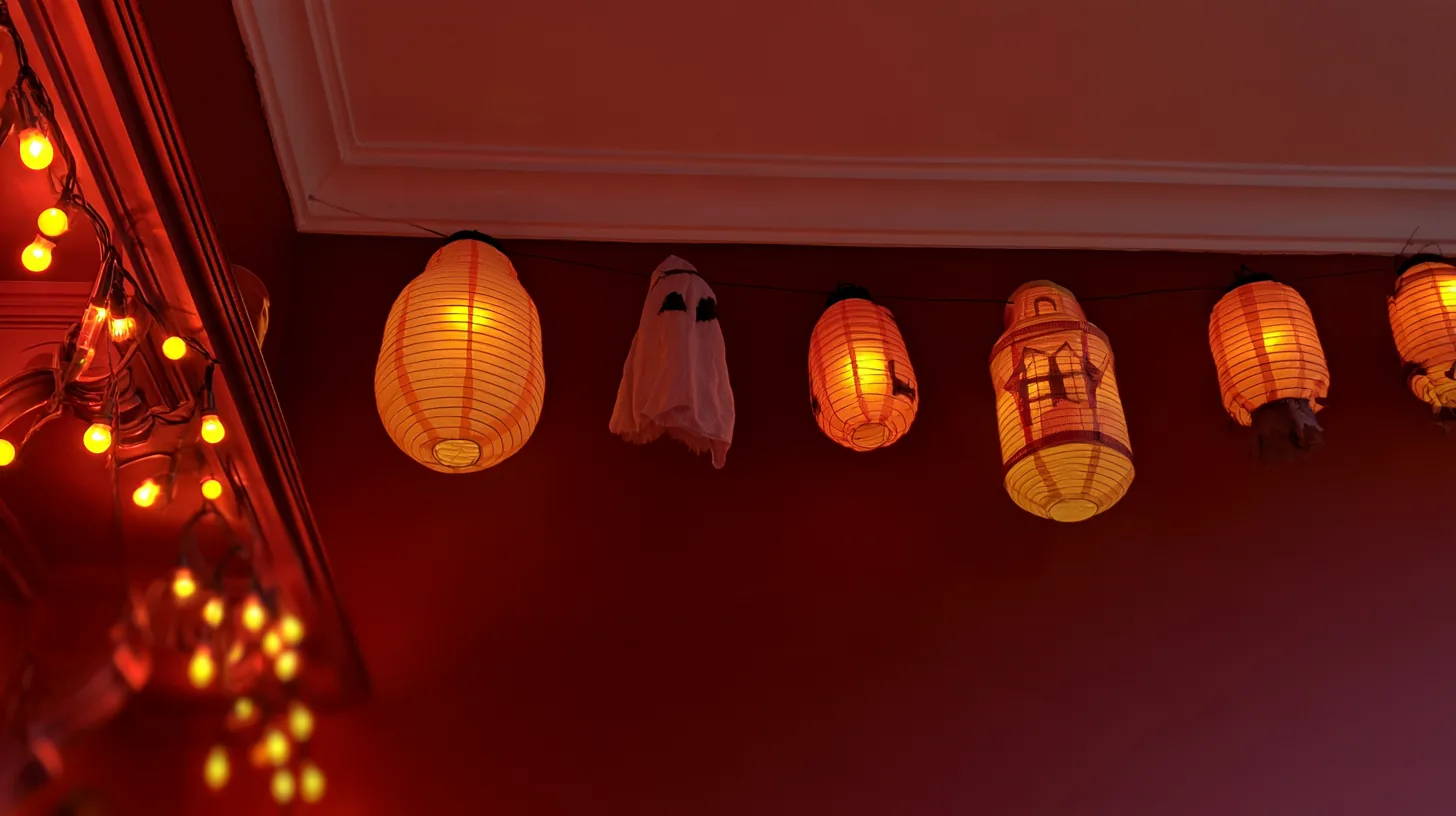
Brightly lit lanterns and ghostly figures create a playful atmosphere, perfect for virtual meetings during the Halloween season.
More Halloween Backgrounds backgrounds
View all Halloween Backgrounds →
Cozy Home Office with Halloween Decor | MeetBackdrops
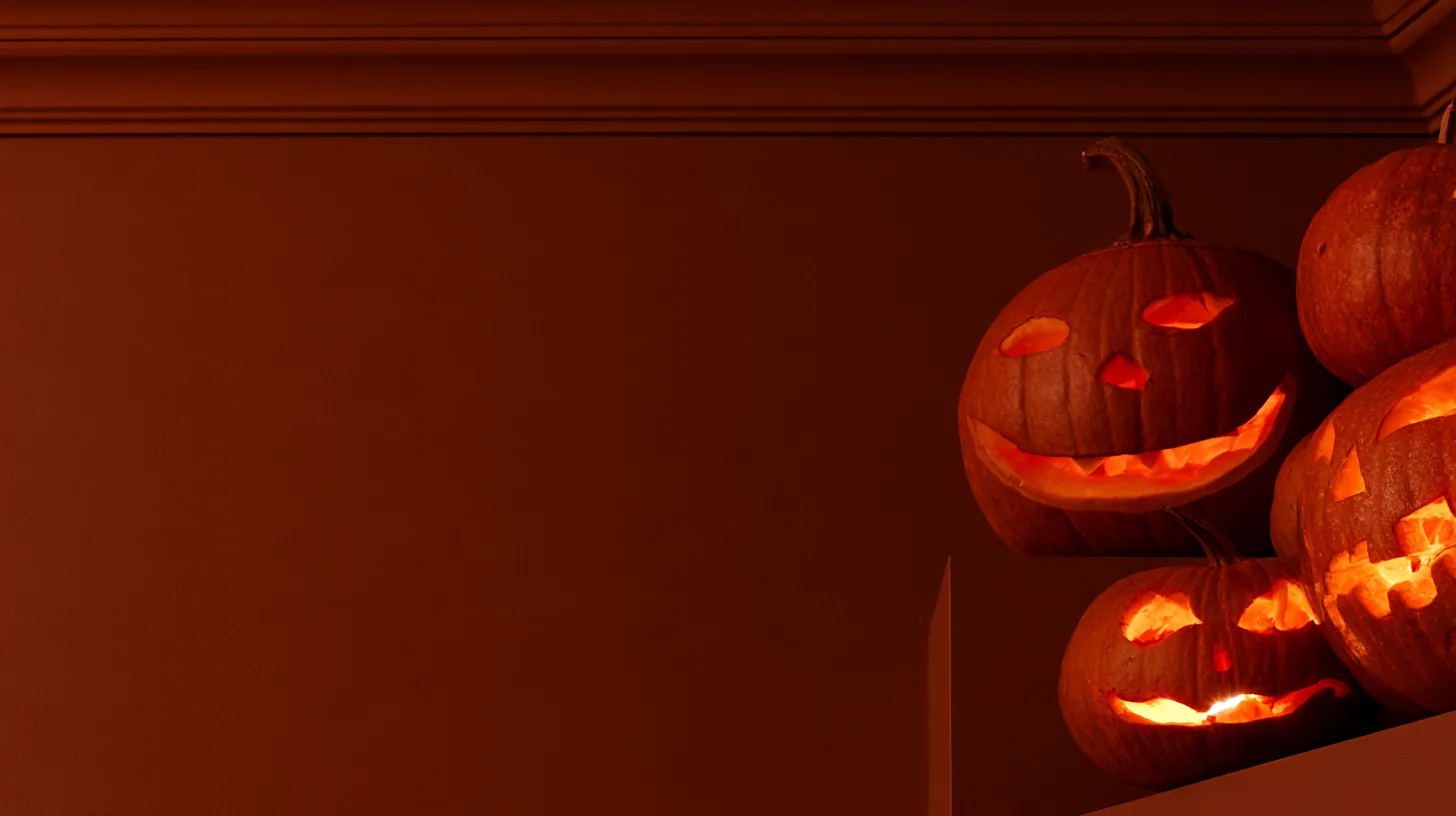
Warm Orange Wall with Jack-o'-Lanterns | MeetBackdrops
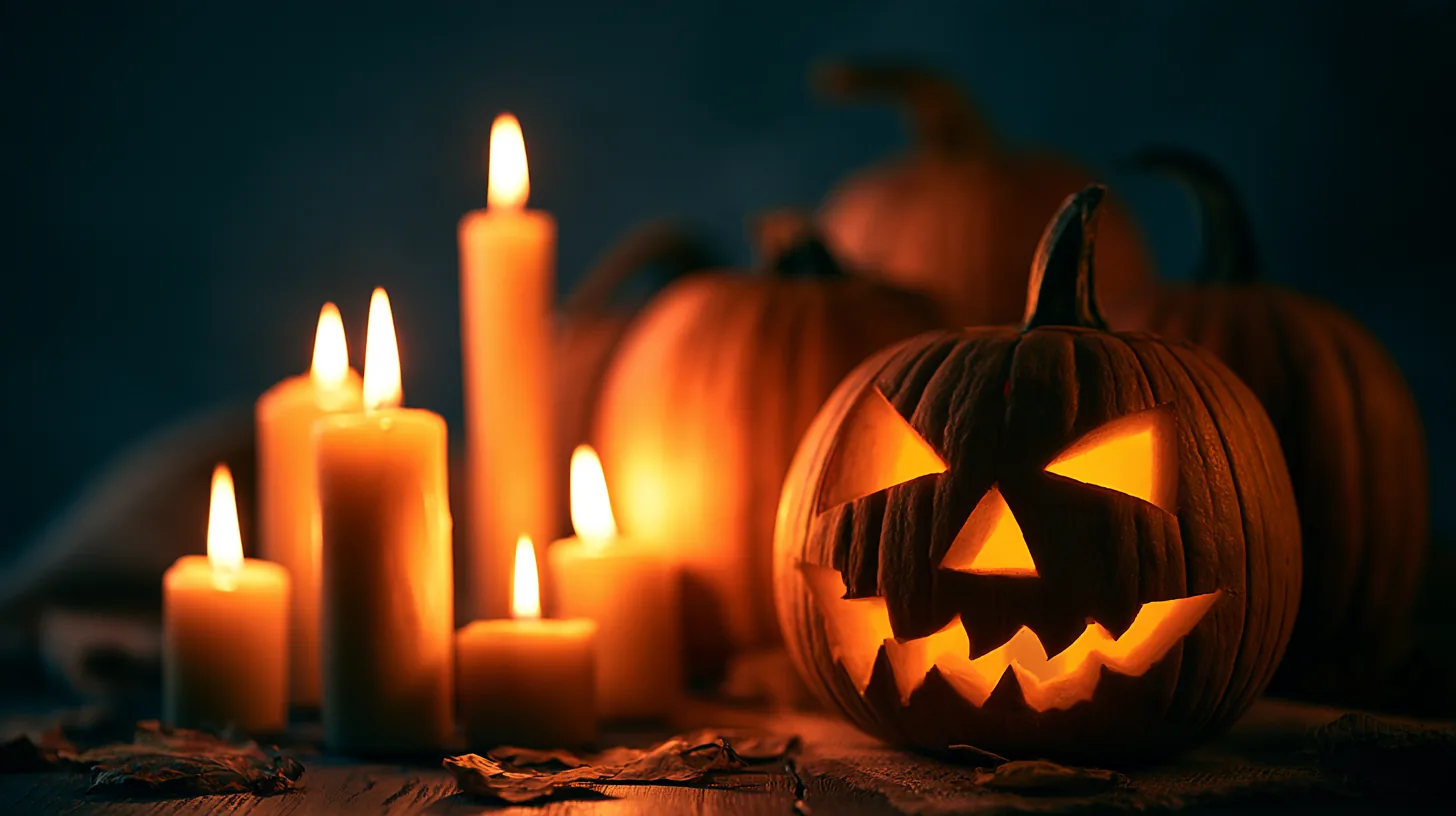
Spooky Halloween Decor with Jack-o'-lanterns | MeetBackdrops

Moody Halloween Setting 07 — Studio-Designed Background for Teams & Zoom | MeetBackdrops
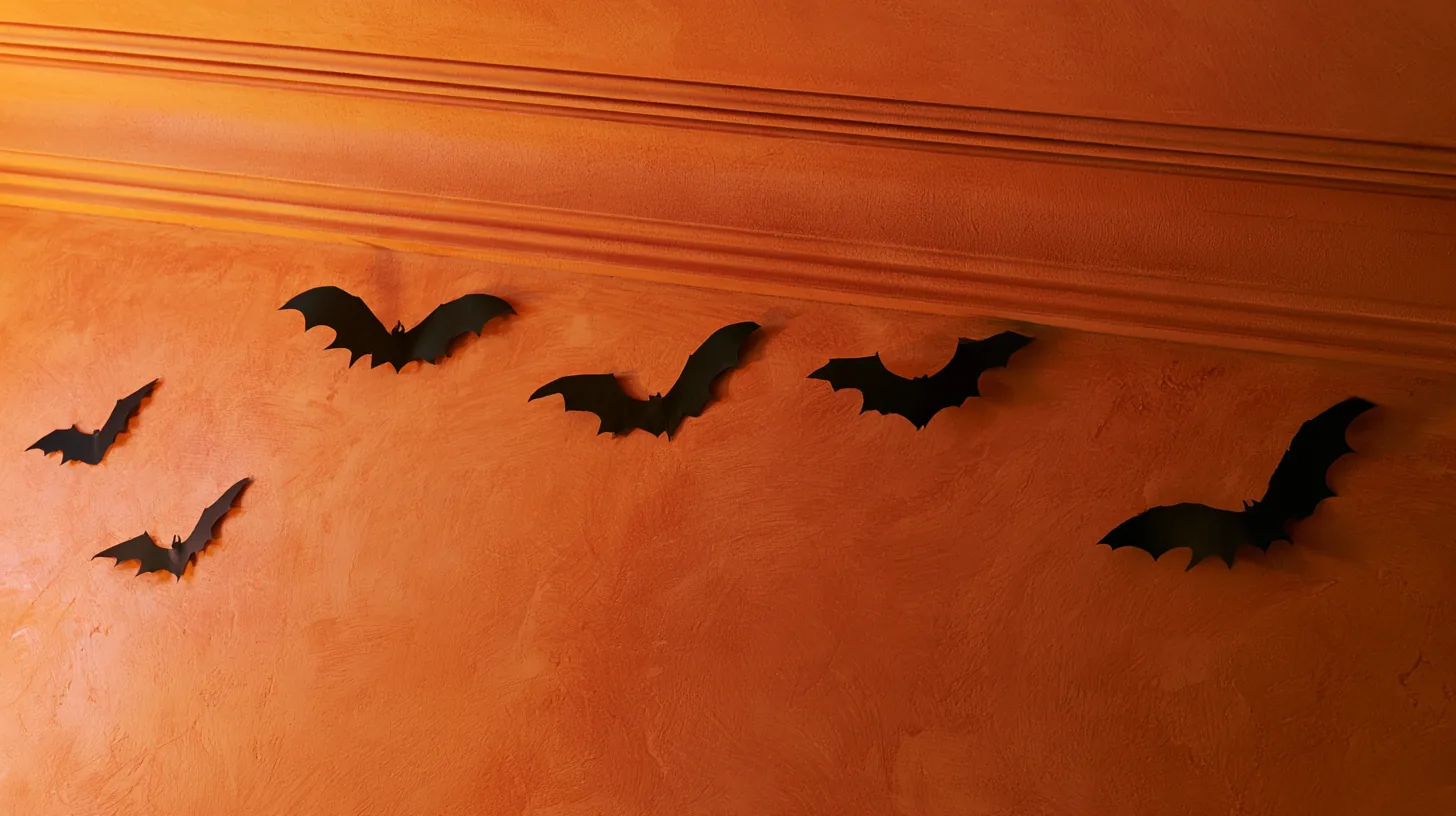
Textured Orange Wall with Bat Decorations | MeetBackdrops
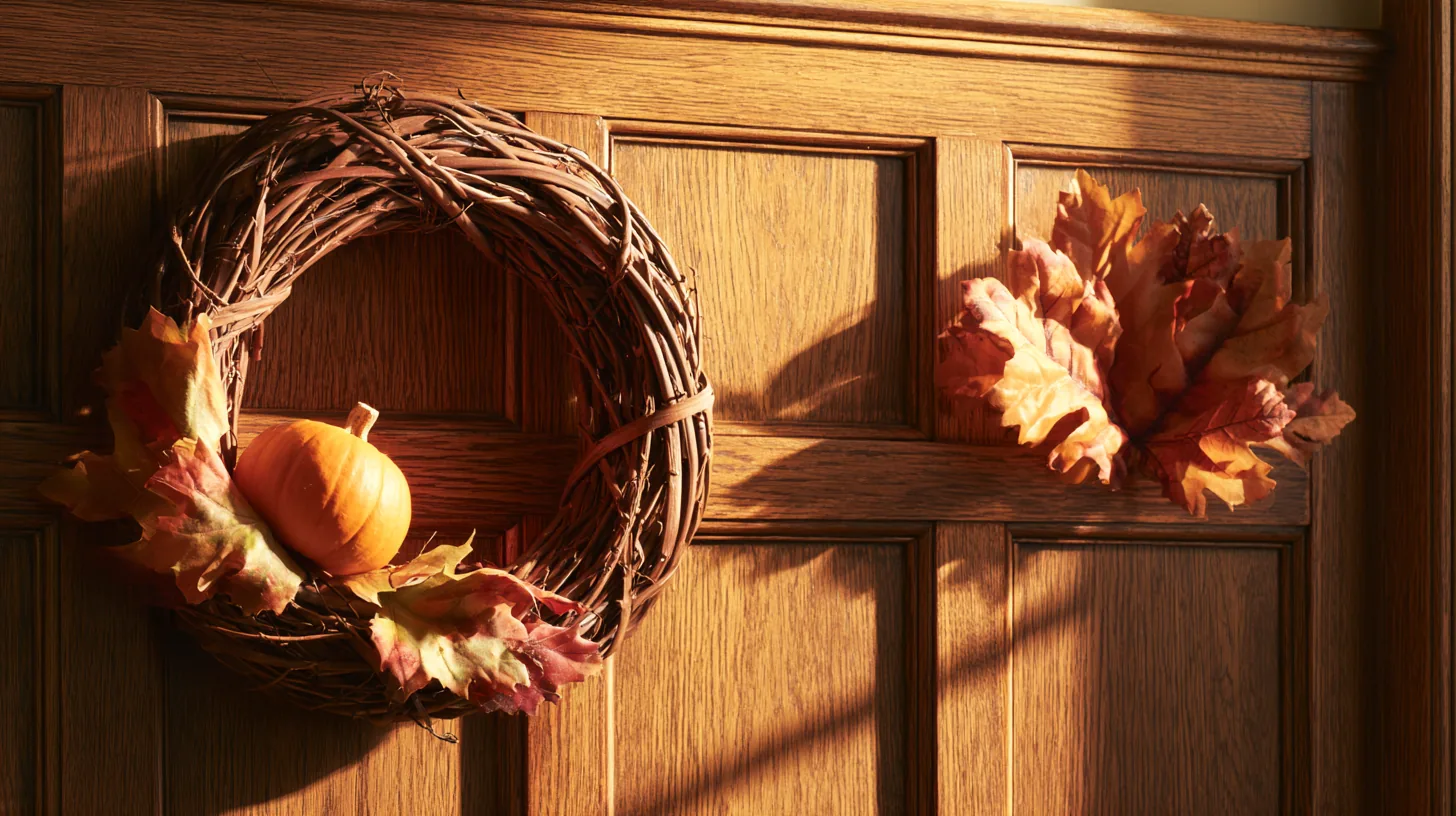
Autumn Wreath with Pumpkin | MeetBackdrops
About this background
In the frame: Colorful Halloween lanterns and ghost decorations hanging against a red wall.
A dark, low-key scene with a warm, golden cast, mostly burgundy, dark brown and black.
Looking your best in front of it
- Lighter or brighter tops stand out against the dark scene; black or very dark clothing can make your shoulders fade into it.
- Softer, lower light on your face matches this scene better than a bright ring light, which can make you look pasted on. A warm-white lamp suits its color better than cool daylight LEDs.
- The centre of the frame, where you sit, is plain, so nothing competes with your face.
- Category
- Halloween Backgrounds
- Style
- festive and playful
- Main colors
- burgundy, dark brown and black
- In the scene
- halloween and red
- Suits
- virtual meetings
💡How to use this on Zoom, Teams, and Google Meet
Free version is 1456 × 816 (1.18 MP — below 1080p). HD is 2912 × 1632 (4.75 MP — covers QHD natively). Crop it, reframe it, or edit it into a recorded video and the free version softens; HD holds detail.