
Featuring an industrial loft with large windows, this setting is ideal for executive video calls, providing a modern and professional atmosphere.
More Christmas Backgrounds backgrounds
View all Christmas Backgrounds →
Exposed Brick Wall for Professional Settings | MeetBackdrops

Modern Office Space with Christmas Tree | MeetBackdrops
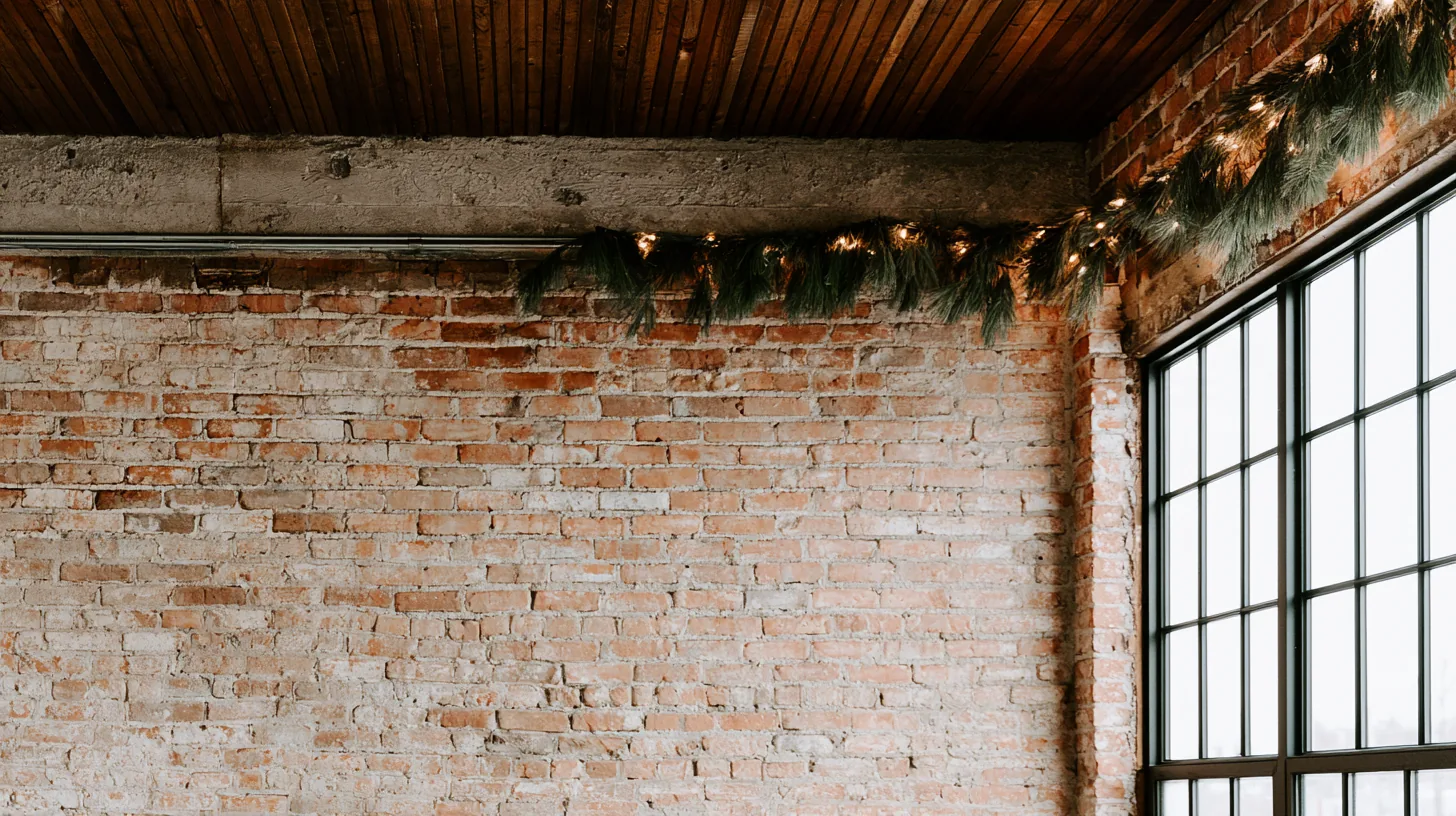
Chic Urban Loft with Festive Touches | MeetBackdrops
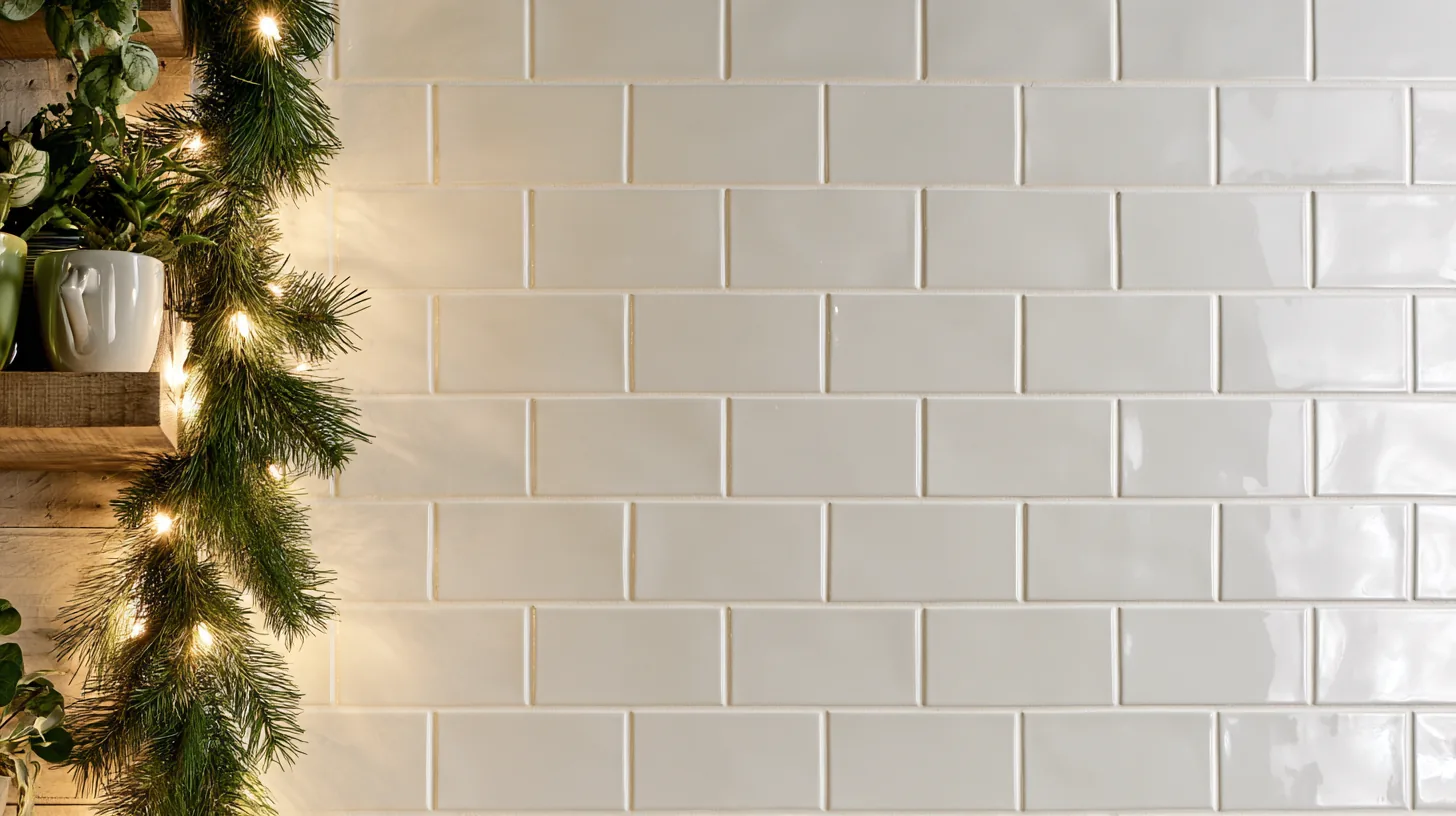
Elegant White Subway Tile Wall | MeetBackdrops
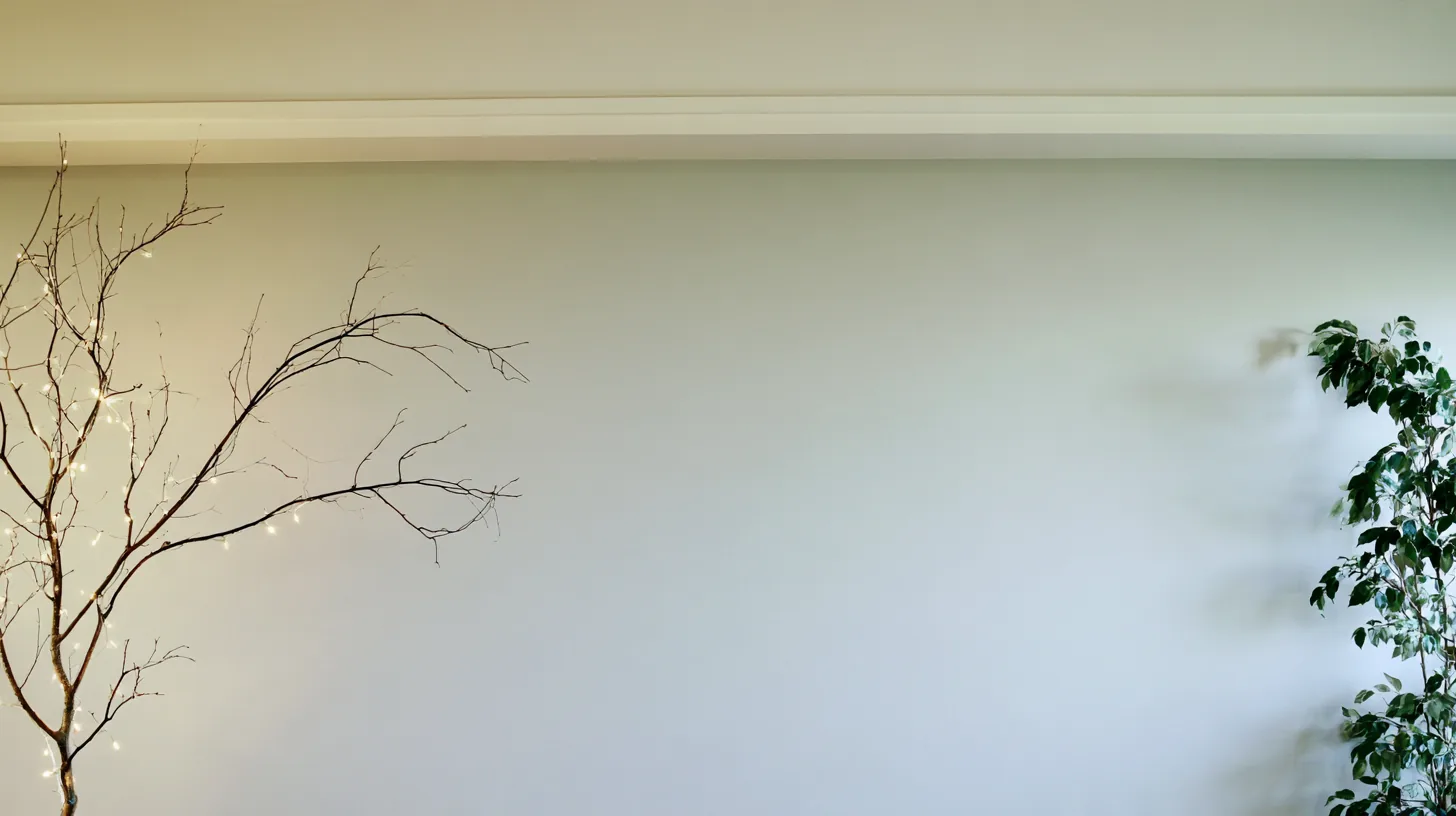
Softly Textured Wall with Natural Elements | MeetBackdrops
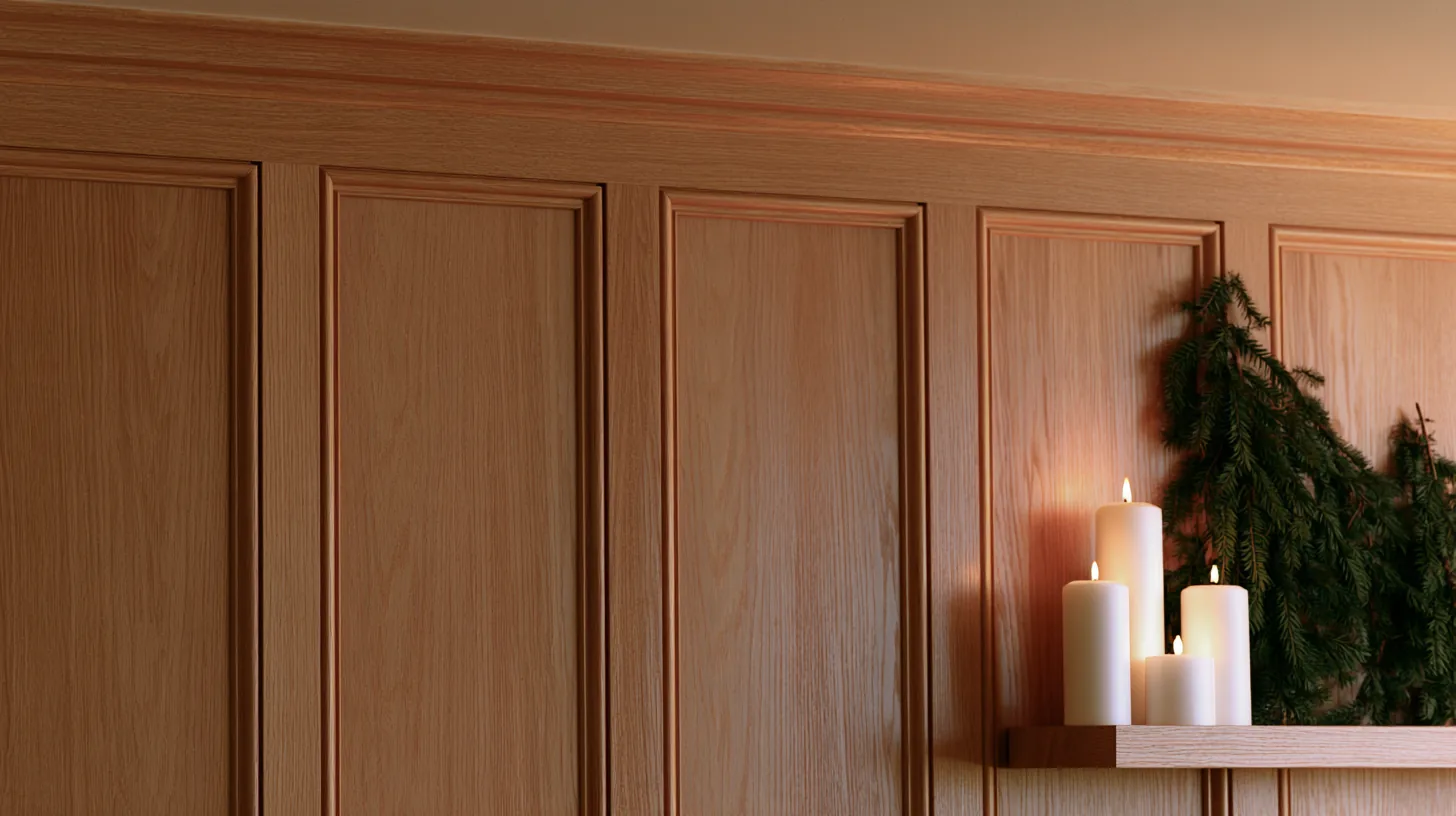
Elegant Wood Paneling | MeetBackdrops
💡How to use this on Zoom, Teams, and Google Meet
Zoom: Settings → Backgrounds & Effects → click + next to Virtual Backgrounds → Add Image → choose this PNG.
Microsoft Teams: Before joining a call, click Background filters → Add new → upload this PNG. Or in-call: More → Apply background effects.
Google Meet: Click the visual-effects icon (bottom-right of self-view) → Backgrounds tab → upload this PNG with the + button.
Tip: 16:9 aspect ratio, designed for codec compression so it stays crisp on calls.
HDFor recordings, video editing, and wallpaper
Free version is 1456 × 816 (1.18 MP — below 1080p). HD is 2912 × 1632 (4.75 MP — covers QHD natively). Crop it, reframe it, or edit it into a recorded video and the free version softens; HD holds detail.
industrialloftlarge windowsmodernprofessionalstring lightsurbanexecutive video calls