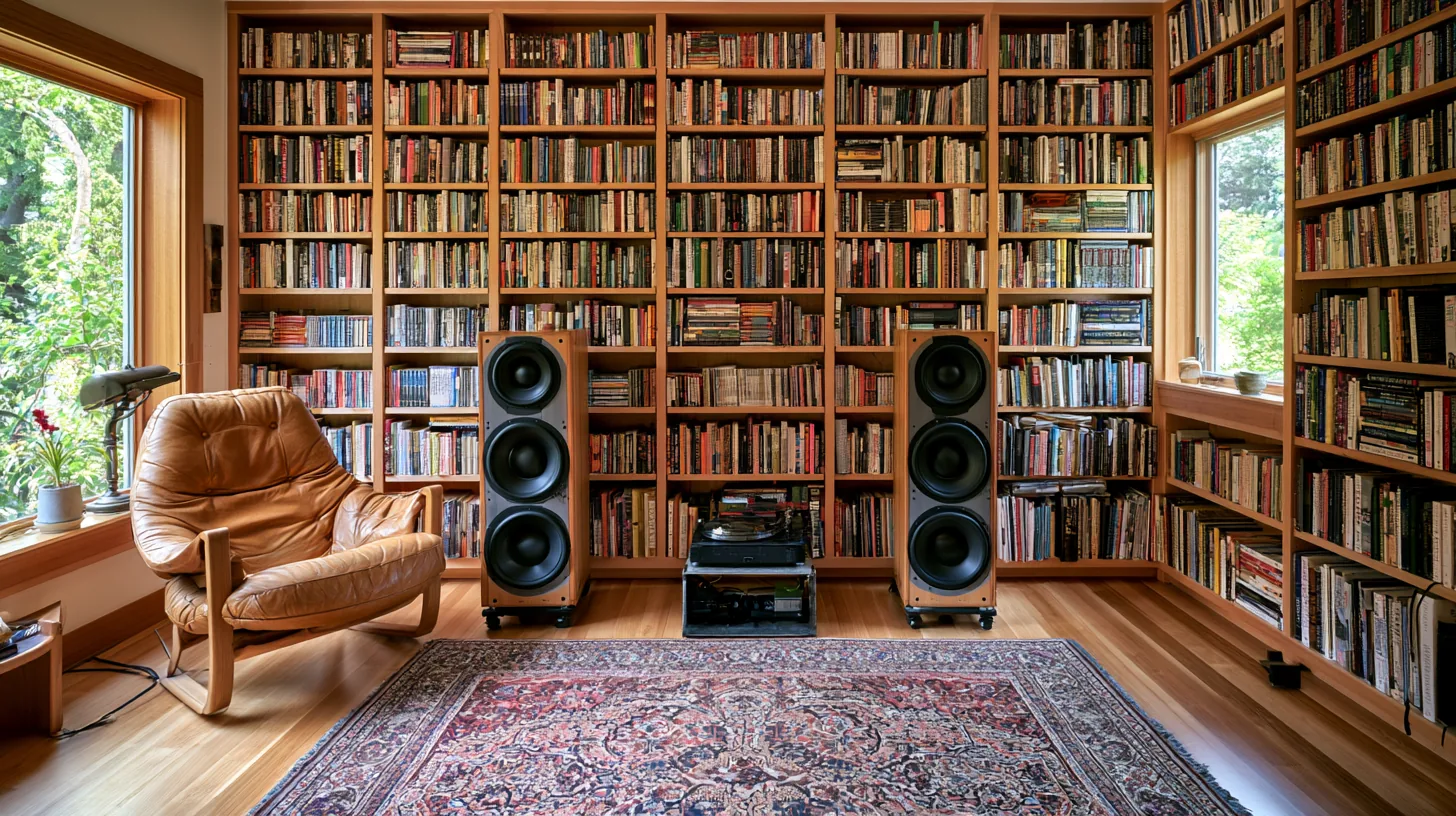
Richly filled bookshelves create an inviting atmosphere, ideal for professional video calls, with warm wood tones and soft natural light enhancing focus.
More Bookshelves backgrounds
View all Bookshelves →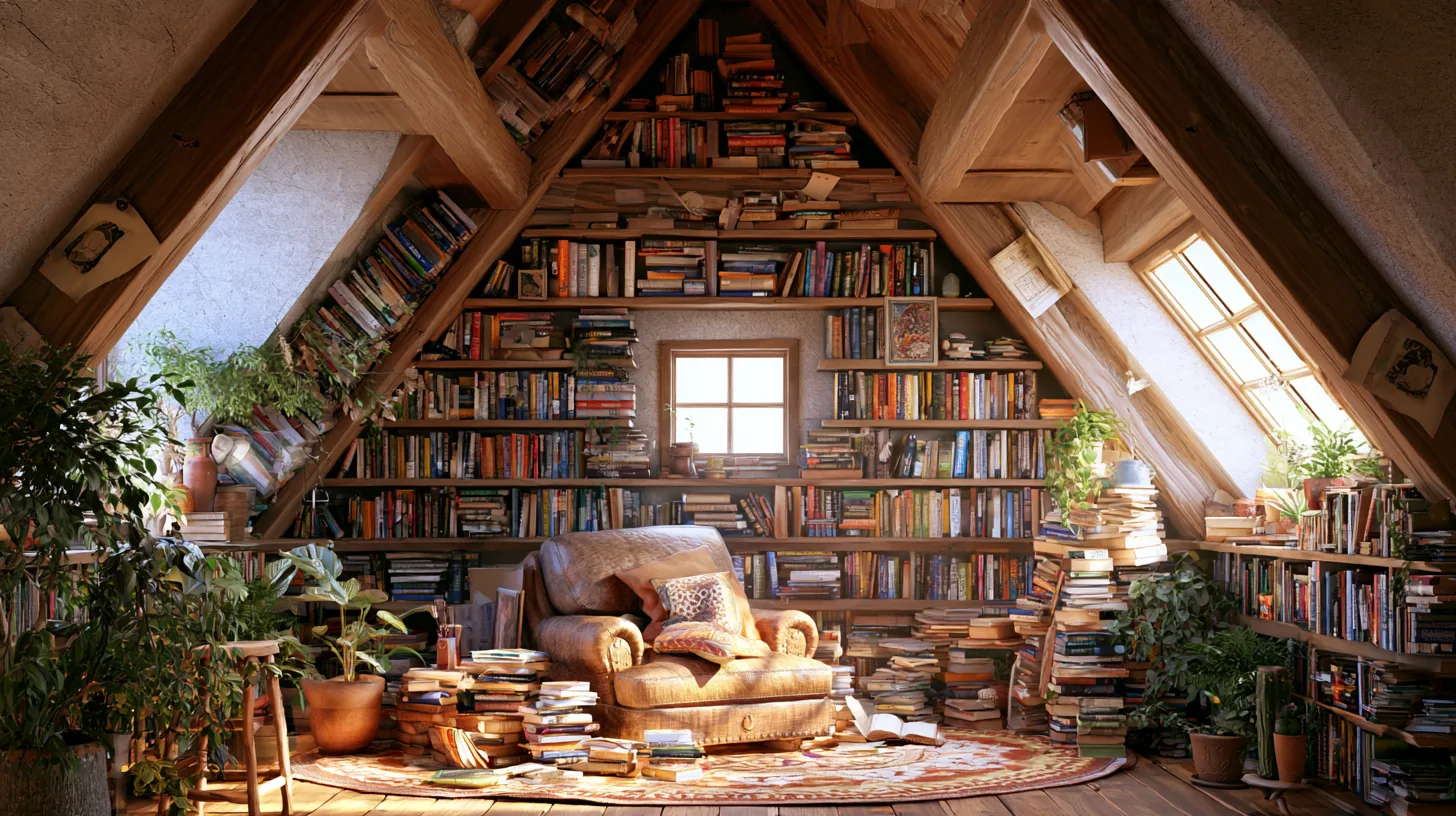
Cozy Bookshelf Nook for Professional Video Calls | MeetBackdrops

Colorful Bookshelf Display for Remote Work | MeetBackdrops

Warm-Toned Library-Style Bookshelf Wall 08 — Virtual Set for Zoom & Meet | MeetBackdrops
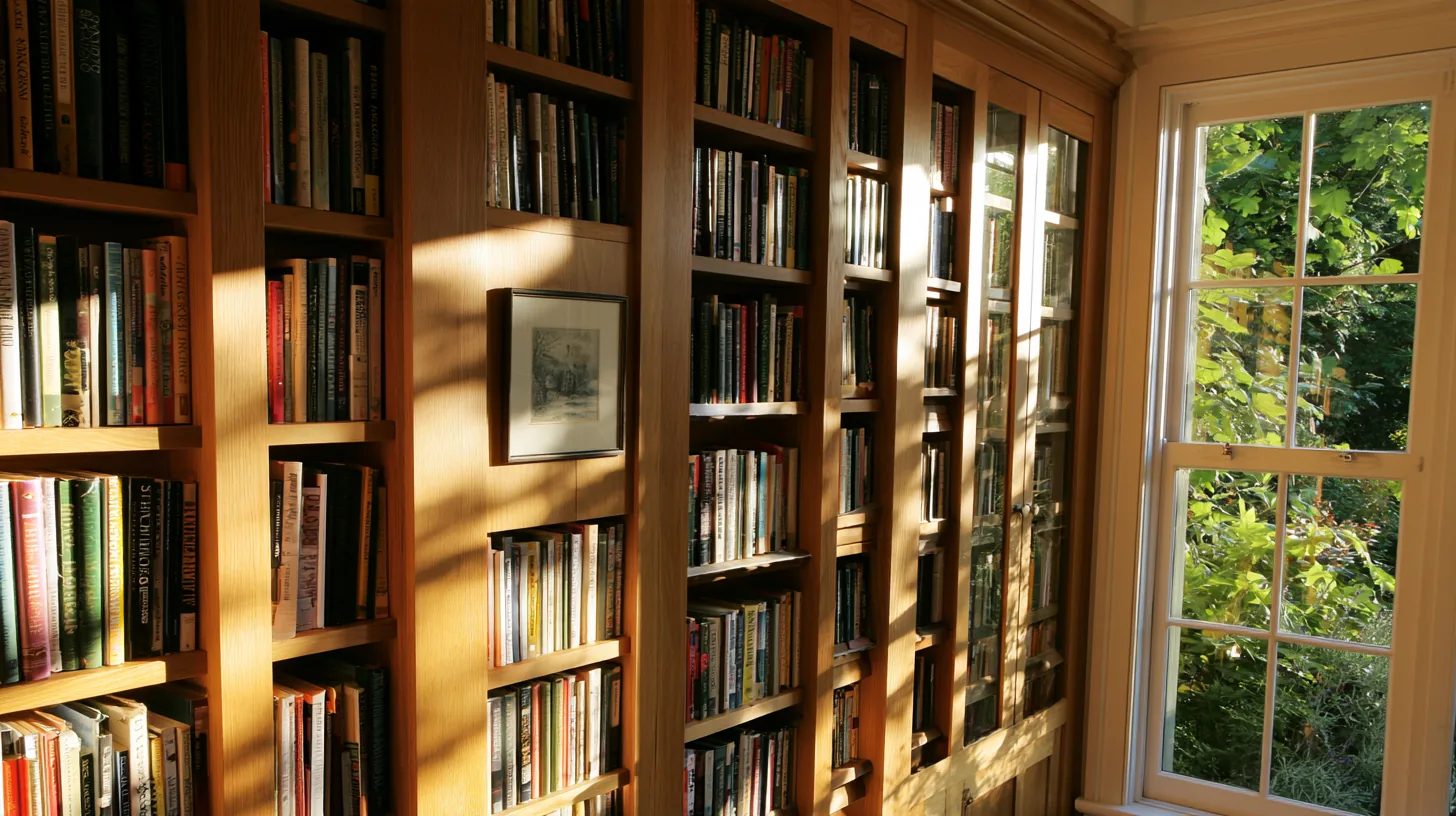
Elegant Bookshelf Setting for Professional Video Calls | MeetBackdrops

Cozy Bookshelves with Natural Light | MeetBackdrops

Cozy Fireplace with Bookshelves and Warm Lighting | MeetBackdrops
💡How to use this on Zoom, Teams, and Google Meet
Free version is 1456 × 816 (1.18 MP — below 1080p). HD is 2912 × 1632 (4.75 MP — covers QHD natively). Crop it, reframe it, or edit it into a recorded video and the free version softens; HD holds detail.
Great for: interviews · client calls · expert panels · board meetings — on Zoom, Microsoft Teams, Google Meet, and Webex.